Step 1: Open the AI Voiceover Studio
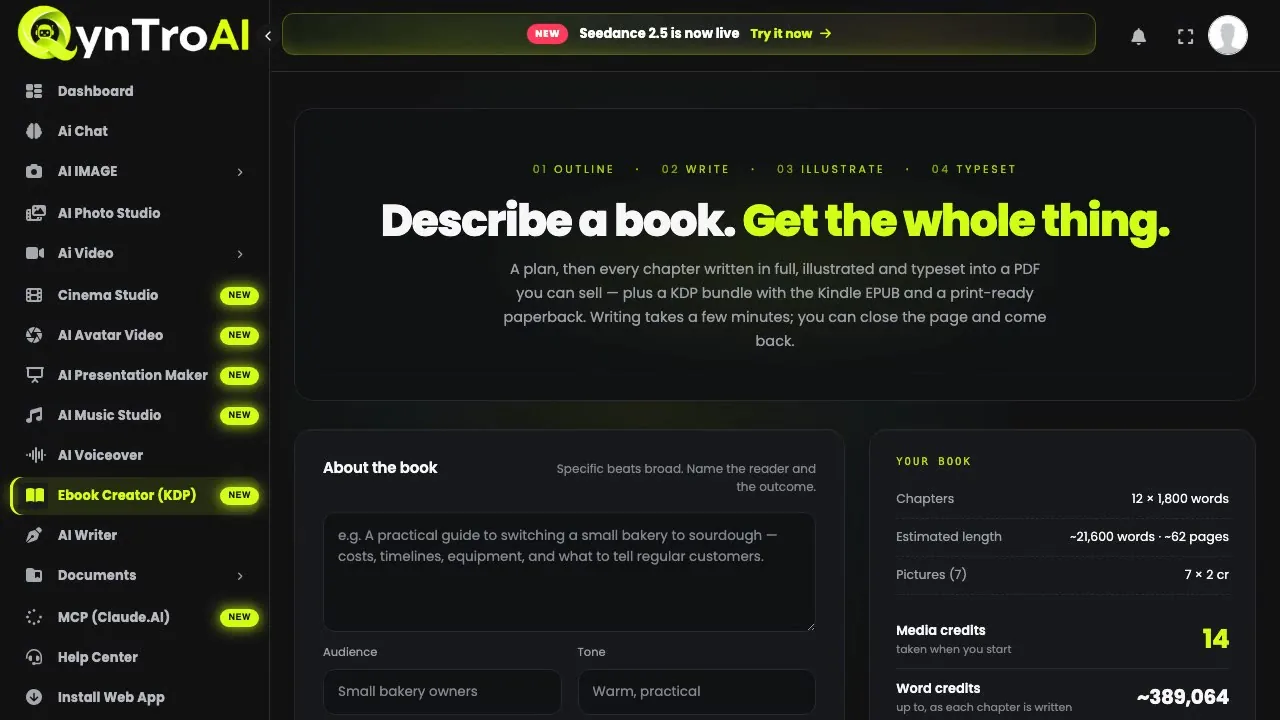
Sign in and open AI VOICE › ElevenLabs in the sidebar: the AI Voiceover Studio. You can choose a voice and write your script on the public AI Voice page first; the draft is waiting in the studio when you sign up.
Step 2: Pick the language, then the voice
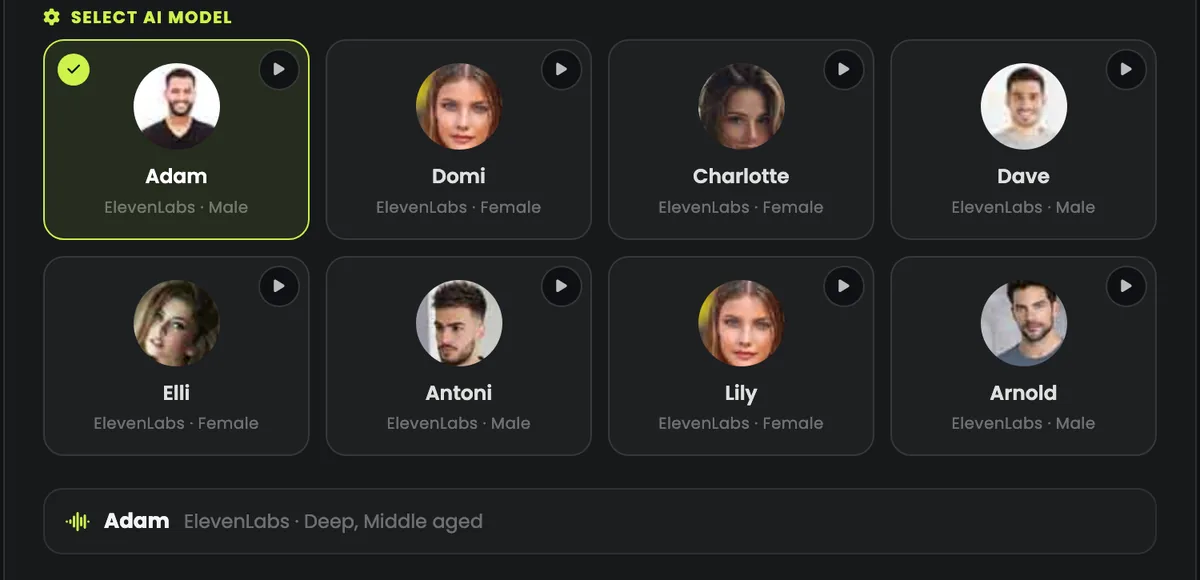
Choose the language first: it shows the voices that speak it. Then pick a voice: each shows its gender and a short description, such as Adam, deep and middle-aged. The speaker button plays a sample of the voice, and samples cost nothing.
The language picker does not translate: the voice reads exactly what you write, so write the script in the language you want spoken.
Step 3: Tune the delivery, if you want to
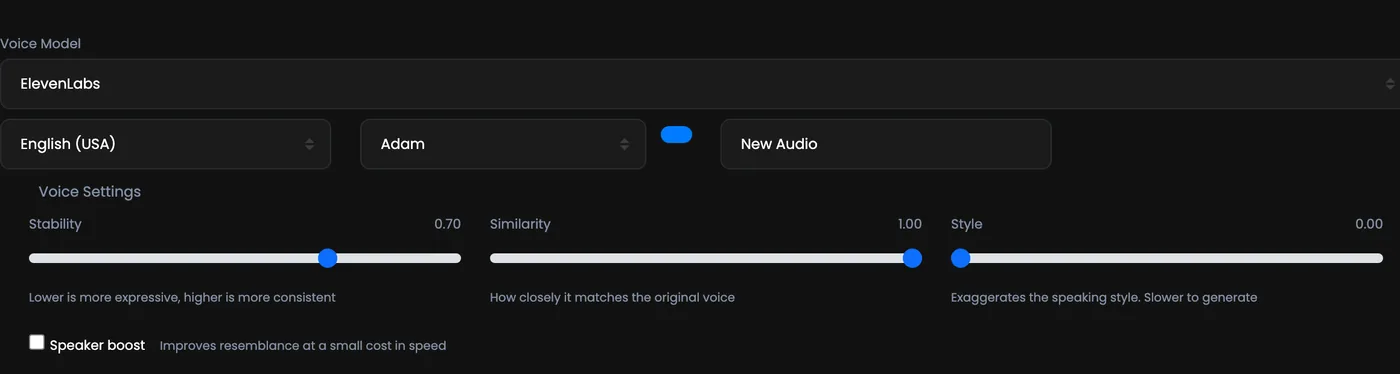
The Voice Settings panel has three sliders and a switch; the defaults suit most narration.
- Stability (0.70): lower is more expressive, higher is more consistent.
- Similarity (1.00): how closely it matches the original voice.
- Style (0.00): exaggerates the speaking style, and is slower to generate.
- Speaker boost: improves the resemblance at a small cost in speed.
Step 4: Paste the script and synthesize
Name the audio, paste your script into the text box, up to 5,000 characters (about 5 minutes of speech), and press Synthesize. The counter under the box shows the characters as you type: that is what the voiceover takes from your character balance, and nothing is taken if no audio comes back.
Step 5: Play it and download the MP3
The voiceover appears under the studio with the day's results: play it, download the MP3, or read its text back. Every earlier voiceover is under Documents › All Voiceovers.
Files are kept for 30 days on free and BASIC accounts and longer on PLUS and MAX, so download the ones you want to keep.
Write for the ear, not the page
- Short sentences, one idea each. Read the script aloud once before you synthesize it.
- Punctuation is timing. A comma is a breath, a full stop a pause, and a line break a longer one.
- Spell out what should be said. "Twenty twenty-six", "three to five", "per cent": numbers and symbols are read however the voice decides.
- Audition before you spend. Play two or three voice samples first; they cost nothing.
- A long script? Split it into parts of up to 5,000 characters and synthesize each one.
Describe a voice instead of choosing one
AI VOICE › Qwen is Voice Design: rather than picking from a list, describe the voice you want, such as "a warm, slow, older narrator", in up to 600 characters, then write the text, up to 2,000. It is charged in blocks of 1,000 characters of text, and the description itself is free. See the Voice Design page.