Kling AI video generator
Turn a written prompt or a still image into a cinematic clip with Kling, the video models from Kuaishou. QynTro runs six Kling versions, from the newest Kling 3 Pro to the low-cost 2.1 Standard, on one account.
- 6 Kling versions
- 5 or 10 second clips
- 16:9, 9:16 or 1:1 from a prompt
- From 30 credits a clip
Made with Kling on QynTro
Nothing here is a stock sample: each one was made on QynTro, and its page shows the exact prompt, so you can make it again or change it.
MOTION: The woman stays almost still, suspended, only breathing out one slow trail of bubbles at the very start. The BLACK INK is the thing that moves. It completes the skeleton…
Full prompt and settings →MOTION: The face holds for one second, every particle trembling slightly in place. Then it lets go: the whole head bursts apart outward into a true swarm, thousands of black…
Full prompt and settings →SCENE CONTEXT: A STOP WORLD performance film. A crowded night crossing in heavy rain is frozen solid: every pedestrian locked mid-stride, every raindrop hanging motionless in the…
Full prompt and settings →MOTION: The giant astronaut is alive but almost still — she breathes, and very slowly tilts her head a few degrees further down toward the lens, eyes tracking to the camera. Her…
Full prompt and settings →MOTION: A MELTING effect that progresses continuously upward across the whole shot. The sharp glowing line where white marble becomes liquid gold climbs steadily up the statue: at…
Full prompt and settings →Ten second aerial shot. Enormous storm waves roll in and break beneath the solid golden bridge of light without ever touching it, spray bursting upward. The light bridge shimmers…
Full prompt and settings →Five second cinematic film moment from this image. A woman in a heavy charcoal wool coat stands on a wet concrete breakwater at blue hour, hands in her pockets, facing camera. She…
Full prompt and settings →Ten second cinematic film moment. Black harbour water at night, flat and still, lit from below by a submerged magenta pink lamp. A diver in a black neoprene suit breaks the…
Full prompt and settings →Which Kling to pick
Every version makes 5 or 10 second clips, and the price follows the length: a 10 second clip costs twice a 5 second one. Start with Kling 3 Pro; drop to an older version when a draft matters more than the finish.
| Model | Best for | Text to video | Image to video | Length | From | Try it |
|---|---|---|---|---|---|---|
| Kling 3 Pro | The newest Kling generation and our first pick for most shots. | Yes | Yes | 5 or 10 s | 70 credits · 5 s clip | Try → |
| Kling O3 | The newest model in Kling's O line. Worth a run when 3 Pro misses the look. | Yes | Yes | 5 or 10 s | 75 credits · 5 s clip | Try → |
| Kling 2.1 Master | The top of the 2.1 line, for the earlier Kling look at full finish. | Yes | Yes | 5 or 10 s | 140 credits · 5 s clip | Try → |
| Kling 2.1 Pro | The middle of the 2.1 line, for animating a photo. | No | Yes | 5 or 10 s | 50 credits · 5 s clip | Try → |
| Kling 2.1 Standard | The entry 2.1 model, for animating a photo on a budget. | No | Yes | 5 or 10 s | 30 credits · 5 s clip | Try → |
| Kling 1.6 Pro | The older generation, for quick drafts. | Yes | Yes | 5 or 10 s | 40 credits · 5 s clip | Try → |
Prices are in media credits and are the ones the tool charges today; the tool shows the exact number before you make anything. A failed generation gives its credits back. See plans and credit packs
From an idea to a Kling clip in three steps
- 1
Describe the shot
Write what happens, where the camera is and how it moves, in plain words. Or start from a photo and describe only the motion.
- 2
Pick a version and a length
Choose a Kling version, 5 or 10 seconds and, from a prompt, a wide, tall or square frame. The tool shows the exact credits before you start.
- 3
Generate and download
The clip lands in your library, ready to download. If a render fails, its credits go straight back.
What people make with Kling
Short-form ads
Tall 9:16 clips for Reels, Shorts and TikTok, from a single product photo.
Film moments
Ten seconds of mood and motion, like the shots above, for trailers, intros and pitches.
Photos that move
Give a portrait or a landscape slow, natural motion without filming anything.
Loops and visuals
Backgrounds for music, streams, slides and websites.
Kling questions
What is Kling AI?
Can I try Kling for free?
How long can a Kling video be?
Which Kling version should I use?
Can Kling turn a photo into a video?
Do I need a Kling account or subscription?
Other models on QynTro
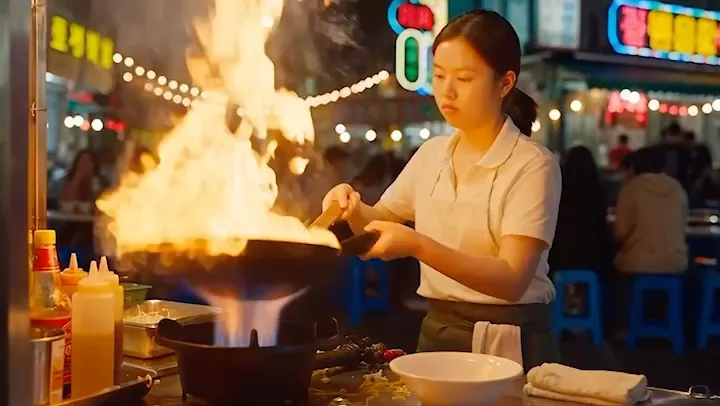 AI video model · ByteDance
Seedance
ByteDance video with sound built in, from a prompt or a photo.
Open Seedance →
AI video model · ByteDance
Seedance
ByteDance video with sound built in, from a prompt or a photo.
Open Seedance →
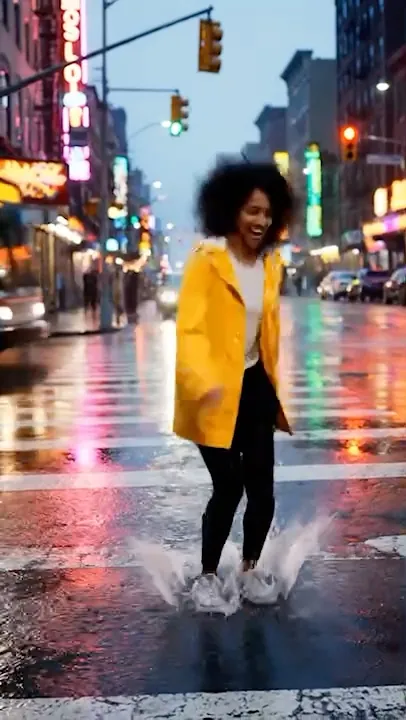 AI video model · Google
Veo
Google's video models: sound, up to 4K, clips up to 8 seconds.
Open Veo →
AI video model · Google
Veo
Google's video models: sound, up to 4K, clips up to 8 seconds.
Open Veo →
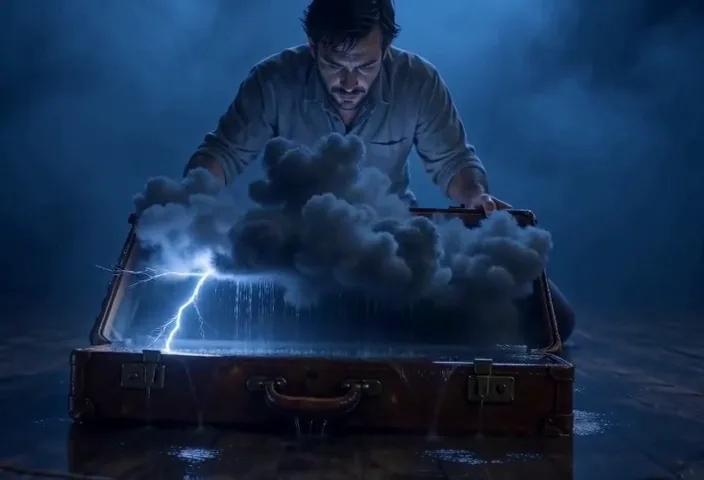 AI video model · MiniMax
MiniMax
H3 Max video up to 15 seconds and 1080p, with camera moves.
Open MiniMax →
AI video model · MiniMax
MiniMax
H3 Max video up to 15 seconds and 1080p, with camera moves.
Open MiniMax →
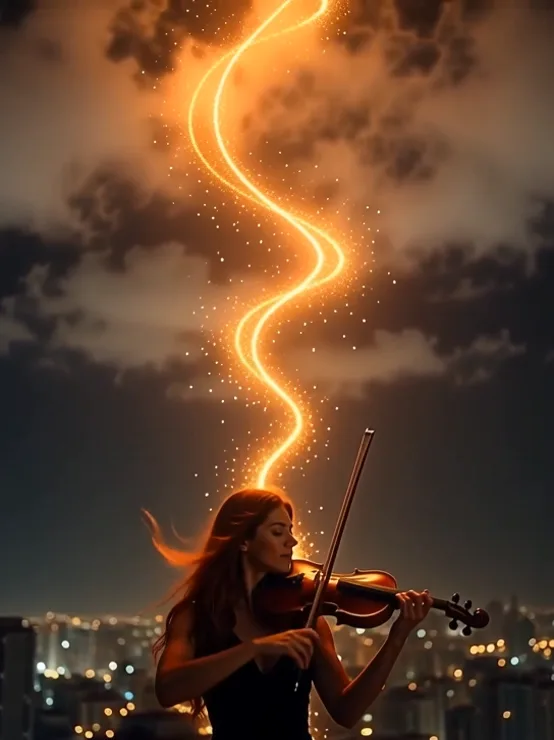 AI video model · Alibaba
Wan
Clips up to 30 seconds with sound, from a prompt or a photo.
Open Wan →
AI video model · Alibaba
Wan
Clips up to 30 seconds with sound, from a prompt or a photo.
Open Wan →
Make your first Kling clip
One QynTro account opens every model on this page, plus the rest of the image, video, music and voice tools.