MiniMax AI video generator
Make video with MiniMax, the company behind the Hailuo video app. QynTro runs its H3 Max models for clips of up to 15 seconds at up to 1080p, plus H3 Max Camera for guided camera moves through a photo.
- 4 MiniMax versions
- Up to 15 second clips
- Up to 1080p
- Camera paths through a photo
- From 30 credits a clip
Made with MiniMax on QynTro
Nothing here is a stock sample: each one was made on QynTro, and its page shows the exact prompt, so you can make it again or change it.
A dancer suspended at the very apex of a leap in a vast empty hall, held in a hard blade of afternoon sun. Thousands of dust motes blaze white in the beam and hang all around her…
Full prompt and settings →No text prompt was sent. On MiniMax H3 Max Camera the camera path IS the instruction: with the prompt left out, the model holds the scene still and moves only the camera, which is…
Full prompt and settings →No text prompt was sent. On MiniMax H3 Max Camera the camera path IS the instruction: with the prompt left out, the model holds the scene still and moves only the camera, which is…
Full prompt and settings →No text prompt was sent. On MiniMax H3 Max Camera the camera path IS the instruction: with the prompt left out, the model holds the scene still and moves only the camera, which is…
Full prompt and settings →An enormous murmuration of starlings over a flooded field at dusk. Tens of thousands of birds move as one body, the shape folding in on itself, stretching into a ribbon…
Full prompt and settings →MOTION: The chrome cube holds still while the night sky reflected in its faces keeps moving — stars wheeling, the ringed planet climbing a little higher in that reflected horizon…
Full prompt and settings →No text prompt was sent. On MiniMax H3 Max Camera the camera path IS the instruction: with the prompt left out, the model holds the scene still and moves only the camera, which is…
Full prompt and settings →MOTION: The real dancer stays in first position, breathing, absolutely still, for the whole ten seconds. Her REFLECTION dances. It carries the arabesque through into a full turn…
Full prompt and settings →Which MiniMax to pick
The H3 models charge by the second and by resolution: 480p costs least and 1080p most, so the table shows 480p prices. MiniMax Video is one price per clip.
| Model | Best for | Text to video | Image to video | Length | From | Try it |
|---|---|---|---|---|---|---|
| MiniMax H3 MaxNEW | The flagship H3, up to 15 seconds at 1080p. | Yes | Yes | 5, 10 or 15 s | 30 credits · 5 s clip | Try → |
| MiniMax H3 Max TurboNEW | A lower-cost H3 Max for drafts and volume. | Yes | Yes | 5, 10 or 15 s | 30 credits · 5 s clip | Try → |
| MiniMax H3 Max CameraNEW | Moves the camera through your photo on a path you pick: an orbit, a push in or a pull out. | No | Yes | 5, 10 or 15 s | 30 credits · 5 s clip | Try → |
| MiniMax Video | The original MiniMax video model: one flat price per clip, no settings. | Yes | No | — | 55 credits · per clip | Try → |
Prices are in media credits and are the ones the tool charges today; the tool shows the exact number before you make anything. A failed generation gives its credits back. See plans and credit packs
From an idea to a MiniMax clip in three steps
- 1
Describe the shot
Write what happens and how the camera moves, or upload a photo. With H3 Max Camera the prompt is optional: pick a camera path instead.
- 2
Choose length and resolution
Pick 5, 10 or 15 seconds and 480p, 768p or 1080p. The tool shows the exact credits before you start.
- 3
Generate and download
The clip lands in your library, ready to download. If a render fails, its credits go straight back.
What people make with MiniMax
Longer shots
Up to 15 seconds in one clip, for scenes that need room to breathe.
Product orbits
Circle a product photo with H3 Max Camera for a turntable-style shot.
Places
Push into a landscape or pull back from a detail, from a single photo.
Quick drafts
Test ideas at 480p with H3 Max Turbo, then render the keeper at 1080p.
MiniMax questions
What is MiniMax?
Is this the same as Hailuo?
How long can a MiniMax video be?
What does H3 Max Camera do?
Can I try MiniMax for free?
Do I need a MiniMax or Hailuo account?
Other models on QynTro
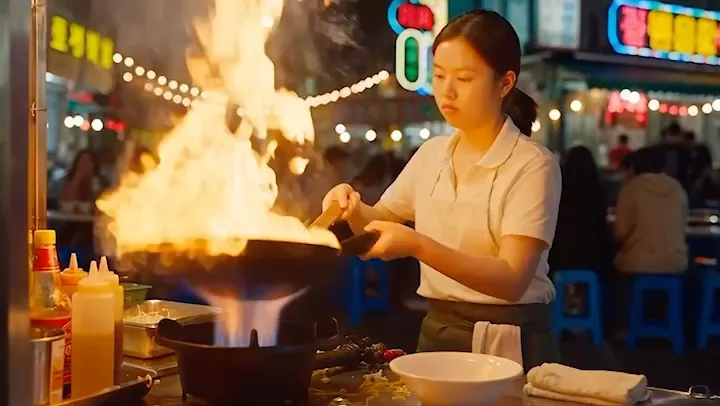 AI video model · ByteDance
Seedance
ByteDance video with sound built in, from a prompt or a photo.
Open Seedance →
AI video model · ByteDance
Seedance
ByteDance video with sound built in, from a prompt or a photo.
Open Seedance →
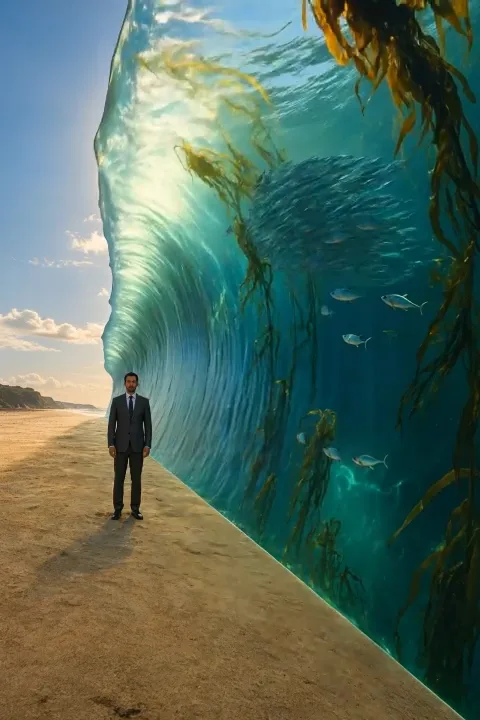 AI video model · Kuaishou
Kling
Cinematic text-to-video and image-to-video, six versions.
Open Kling →
AI video model · Kuaishou
Kling
Cinematic text-to-video and image-to-video, six versions.
Open Kling →
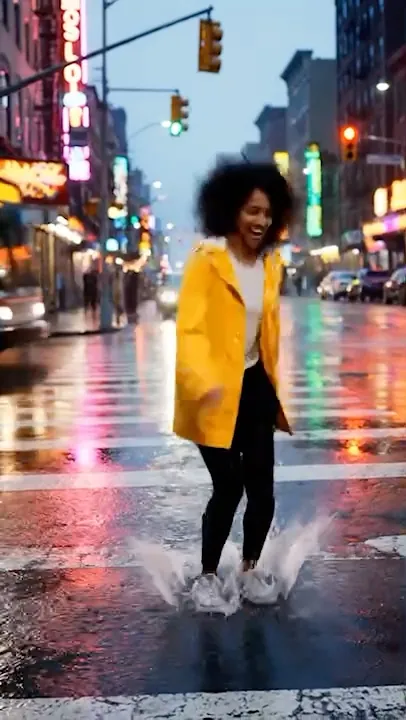 AI video model · Google
Veo
Google's video models: sound, up to 4K, clips up to 8 seconds.
Open Veo →
AI video model · Google
Veo
Google's video models: sound, up to 4K, clips up to 8 seconds.
Open Veo →
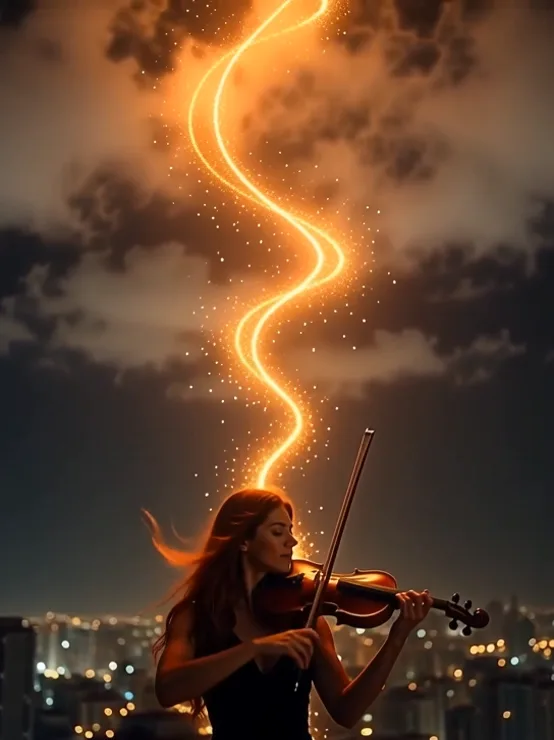 AI video model · Alibaba
Wan
Clips up to 30 seconds with sound, from a prompt or a photo.
Open Wan →
AI video model · Alibaba
Wan
Clips up to 30 seconds with sound, from a prompt or a photo.
Open Wan →
Make your first MiniMax clip
One QynTro account opens every model on this page, plus the rest of the image, video, music and voice tools.