Grok Imagine image generator
Make pictures with Grok Imagine 2.0, the image model from xAI, the company behind Grok. Pick a shape from square to widescreen, make up to 10 at a time, and download them as PNG files.
- 5 shapes, 1:1 to 16:9
- Up to 10 pictures a run
- PNG downloads
- From 5 credits a picture
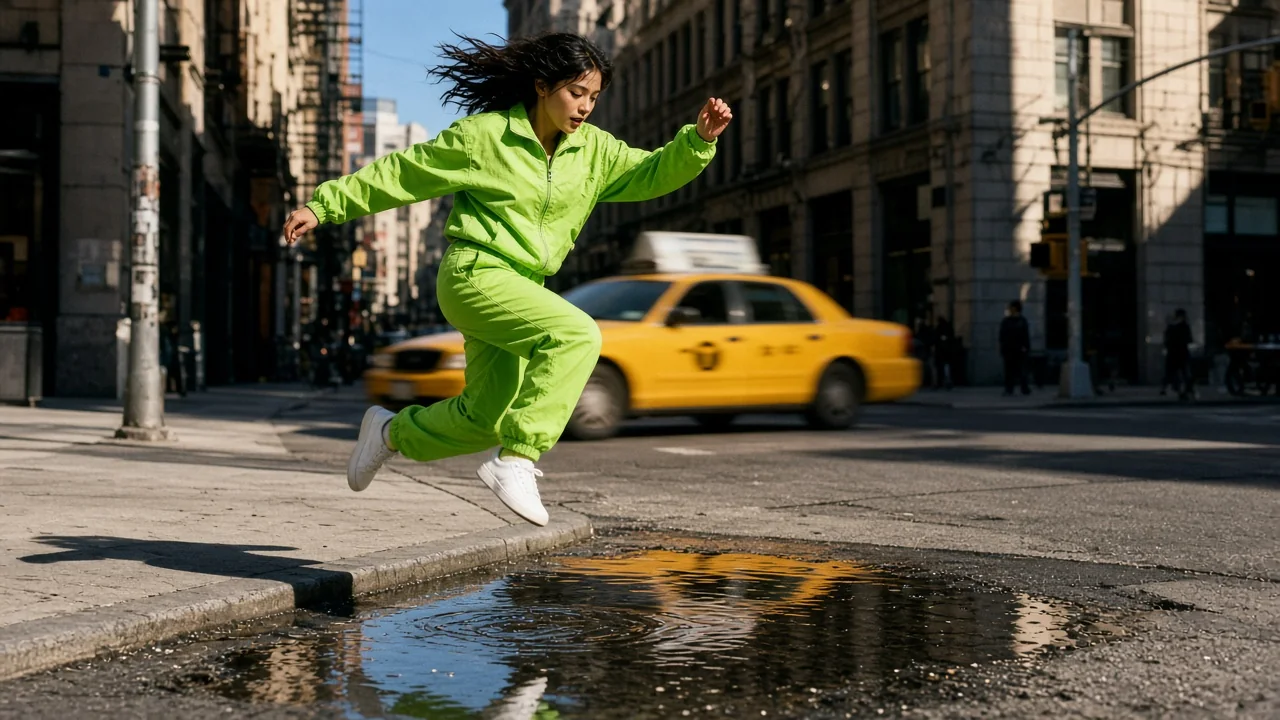
Made with Grok Imagine on QynTro
Nothing here is a stock sample: each one was made on QynTro, and its page shows the exact prompt, so you can make it again or change it.
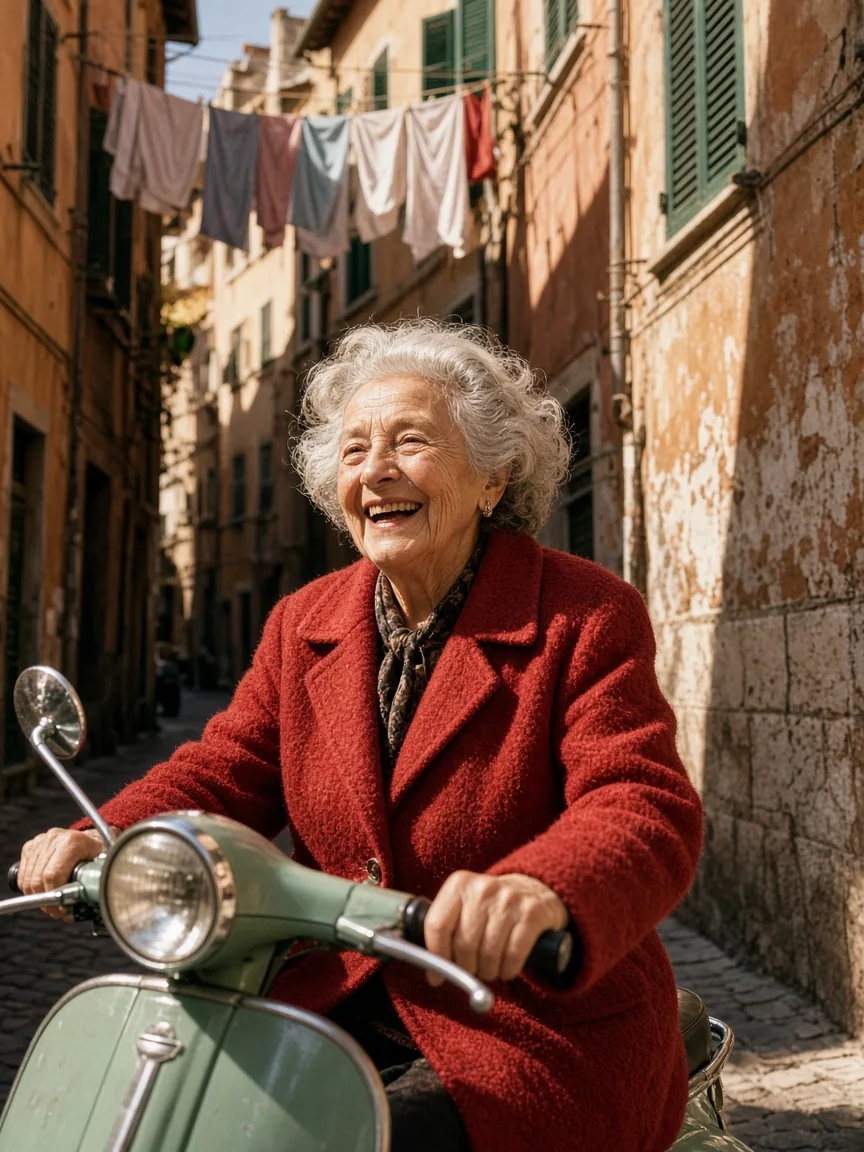
Candid 35mm film portrait: an elderly woman in a red wool coat laughs as she rides a mint-green scooter down a narrow sunlit Roman alley, laundry lines and shutters overhead, hard…
Full prompt and settings →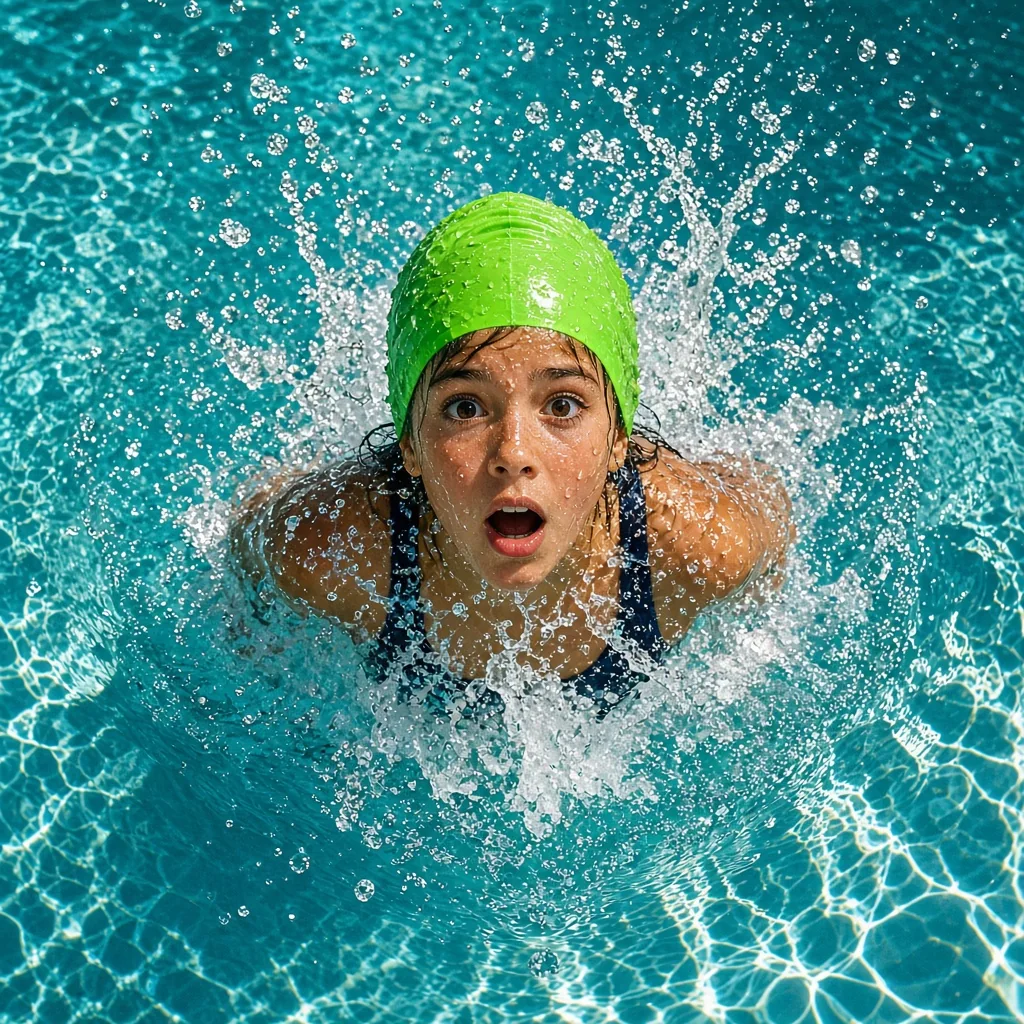
Overhead 35mm photograph: a young swimmer in a lime-green swim cap bursts up through the surface of a turquoise outdoor pool, water droplets frozen in the air around her, hard…
Full prompt and settings →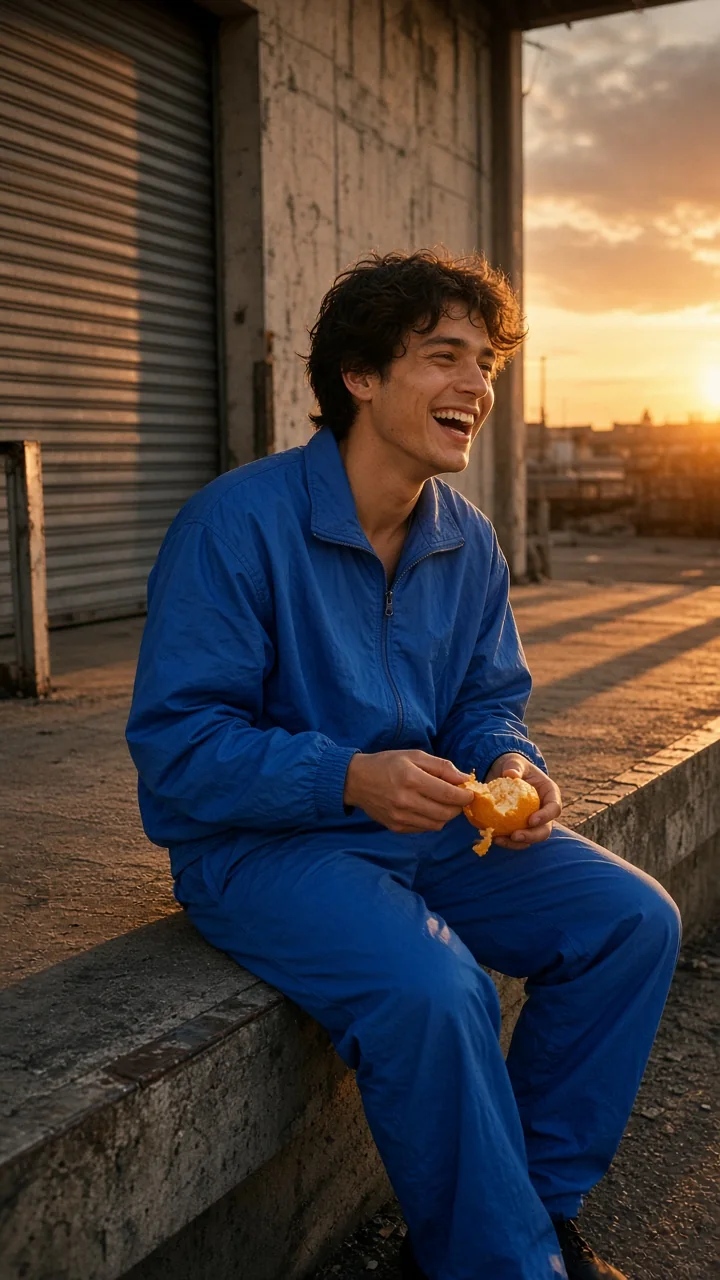
Candid 35mm film photograph, vertical: a young man in a cobalt-blue tracksuit sits on the edge of an empty loading dock at sunset, peeling an orange and laughing at something off…
Full prompt and settings →Which Grok Imagine to pick
Grok Imagine 2.0 has one price per picture, whatever the shape.
| Model | Best for | Text to image | From | Try it |
|---|---|---|---|---|
| Grok Imagine 2.0NEW | xAI's image model: five shapes, 1K PNG pictures. | Yes | 5 credits · per picture | Try → |
Prices are in media credits and are the ones the tool charges today; the tool shows the exact number before you make anything. A failed generation gives its credits back. See plans and credit packs
From an idea to a Grok Imagine picture in three steps
- 1
Describe the picture
Write what you want to see in plain words.
- 2
Pick a shape and count
Square, portrait 3:4 or 9:16, or landscape 4:3 or 16:9, and up to 10 pictures. The tool shows the exact credits before you start.
- 3
Download
Your pictures land in your library as PNG files. You pay only for the pictures that come back.
What people make with Grok Imagine
Social posts
Square and tall pictures for feeds and stories.
Wallpapers and banners
Widescreen 16:9 pictures for desktops, headers and slides.
Concept art
Quick looks at characters, places and moods.
Compare models
Try the same prompt on Grok Imagine, GPT Image and Nano Banana and keep the best.
Grok Imagine questions
What is Grok Imagine?
Can Grok Imagine make videos on QynTro?
What sizes can Grok Imagine make?
Can I try Grok Imagine for free?
Do I need a Grok or X account?
Other models on QynTro
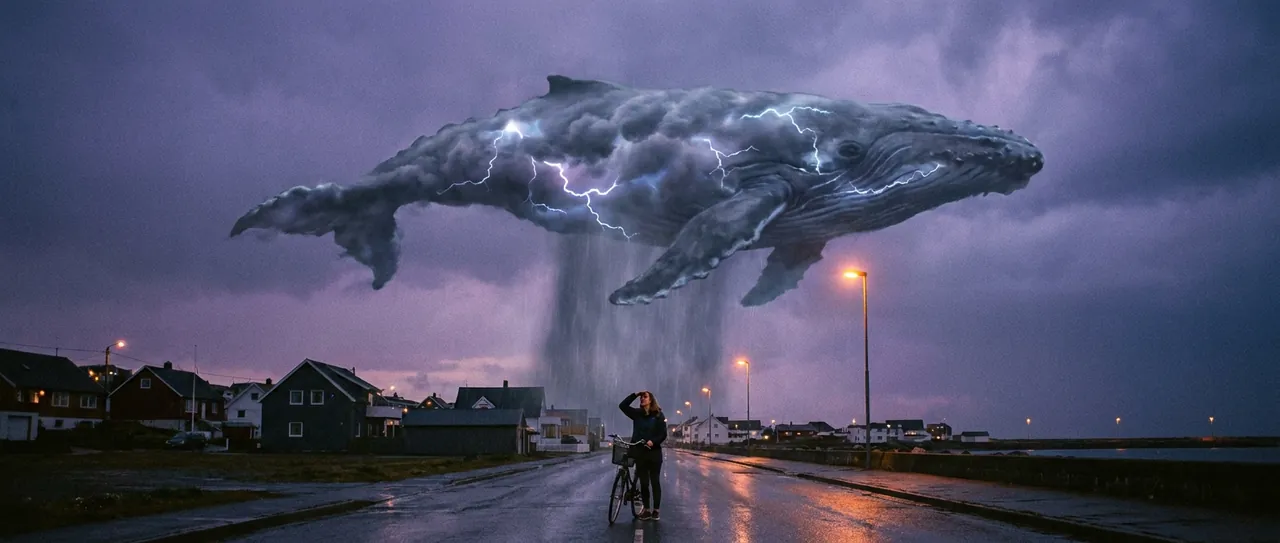 AI image model · Google
Nano Banana
Google's image models: make pictures and edit photos in plain words.
Open Nano Banana →
AI image model · Google
Nano Banana
Google's image models: make pictures and edit photos in plain words.
Open Nano Banana →
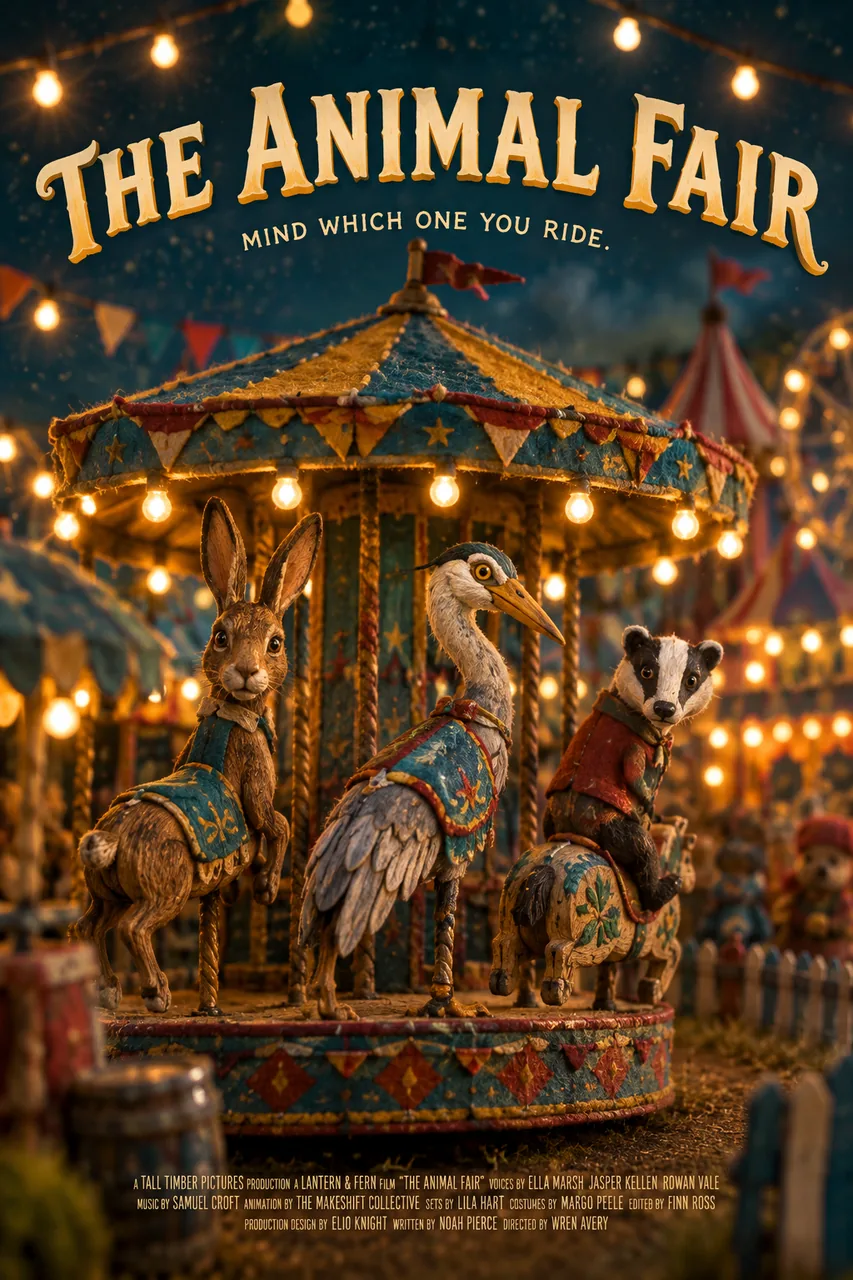 AI image model · OpenAI
GPT Image
OpenAI's image models, from GPT Image 2.5 to Mini.
Open GPT Image →
AI image model · OpenAI
GPT Image
OpenAI's image models, from GPT Image 2.5 to Mini.
Open GPT Image →
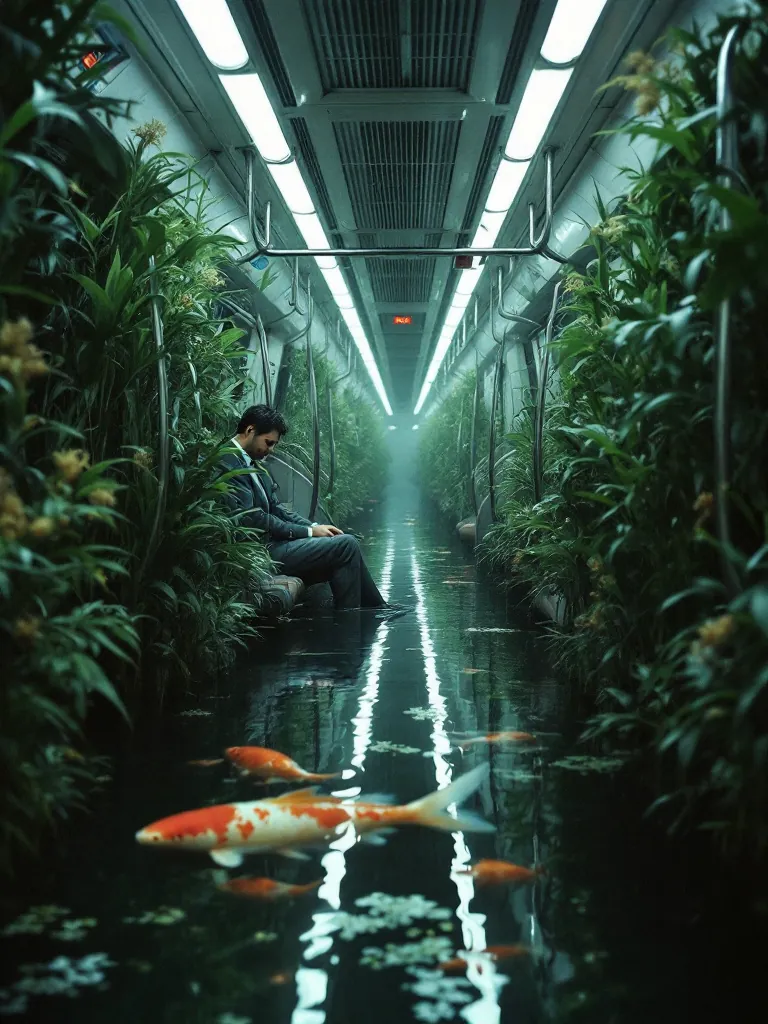 AI image and video models · Black Forest Labs
FLUX
Four FLUX image models, and FLUX.3 video up to 20 seconds.
Open FLUX →
AI image and video models · Black Forest Labs
FLUX
Four FLUX image models, and FLUX.3 video up to 20 seconds.
Open FLUX →
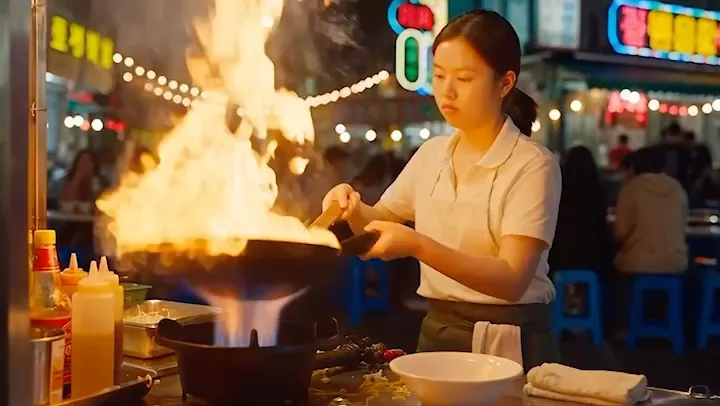 AI video model · ByteDance
Seedance
ByteDance video with sound built in, from a prompt or a photo.
Open Seedance →
AI video model · ByteDance
Seedance
ByteDance video with sound built in, from a prompt or a photo.
Open Seedance →
Make your first Grok Imagine picture
One QynTro account opens every model on this page, plus the rest of the image, video, music and voice tools.