Nano Banana AI image generator
Make pictures with Nano Banana, Google's image models, and edit your own photos with Nano Banana 2. Describe what you want in plain words; QynTro runs all three versions on one account.
- 3 Nano Banana versions
- Up to 14 photos in one edit
- Up to 4K edits
- From 5 credits a picture
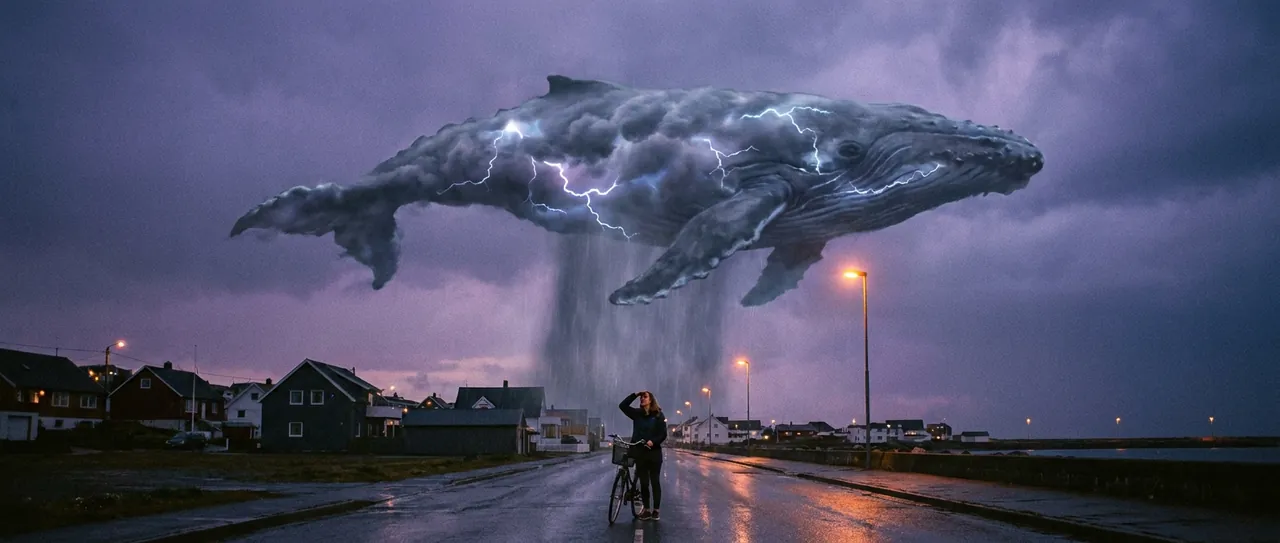
Made with Nano Banana on QynTro
Nothing here is a stock sample: each one was made on QynTro, and its page shows the exact prompt, so you can make it again or change it.
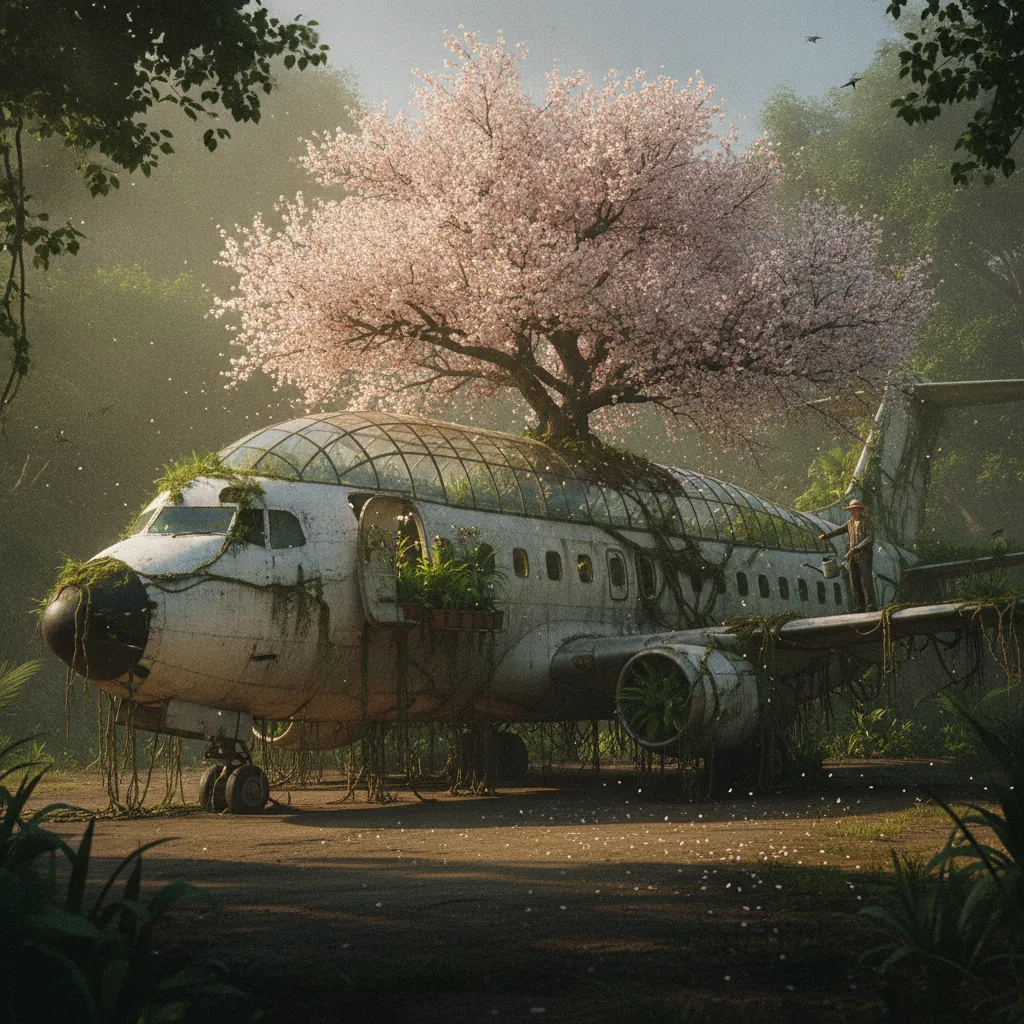
A commercial airliner parked at a jungle airstrip, completely overgrown, and its fuselage has been converted into a greenhouse: the entire upper hull replaced with curved glass…
Full prompt and settings →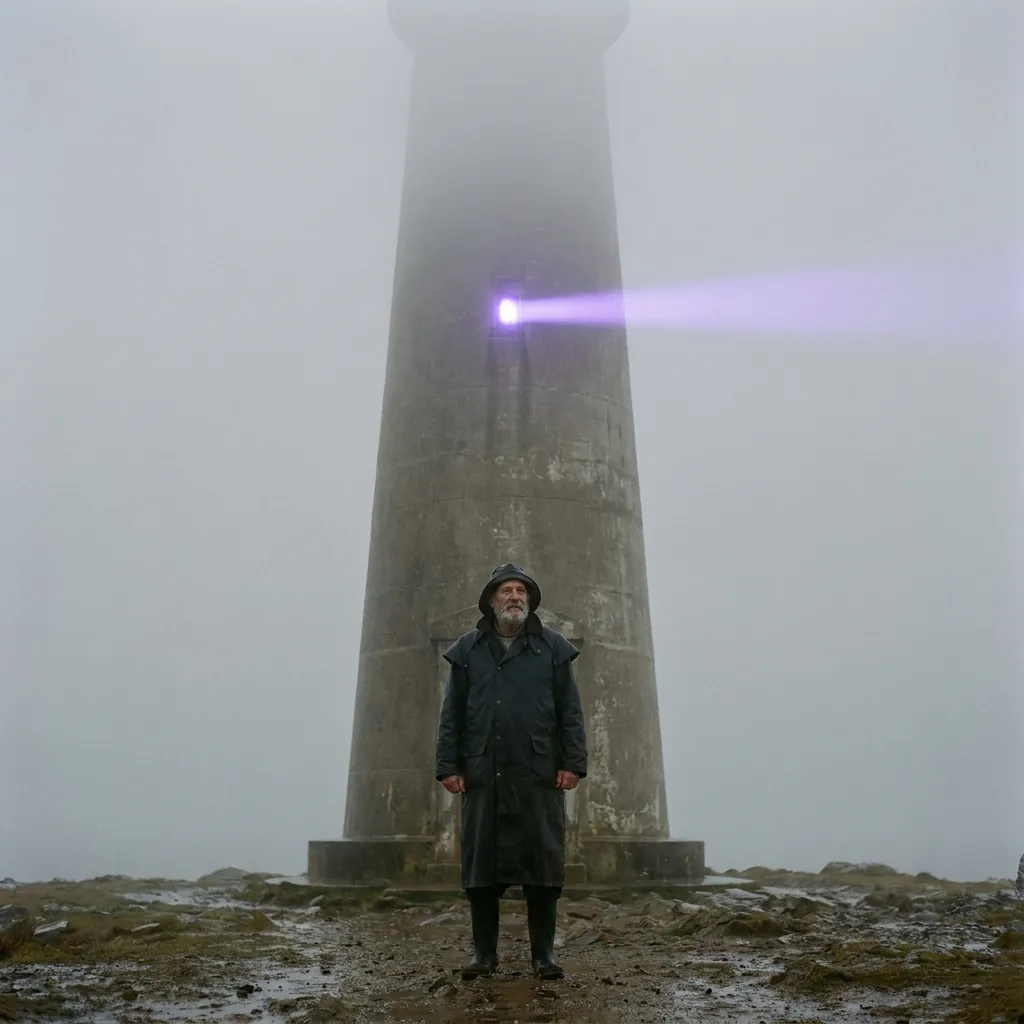
Cinematic square teaser poster composition with no text. A lighthouse keeper in a heavy oilskin stands at the base of a concrete lighthouse, centred, shot from low and straight…
Full prompt and settings →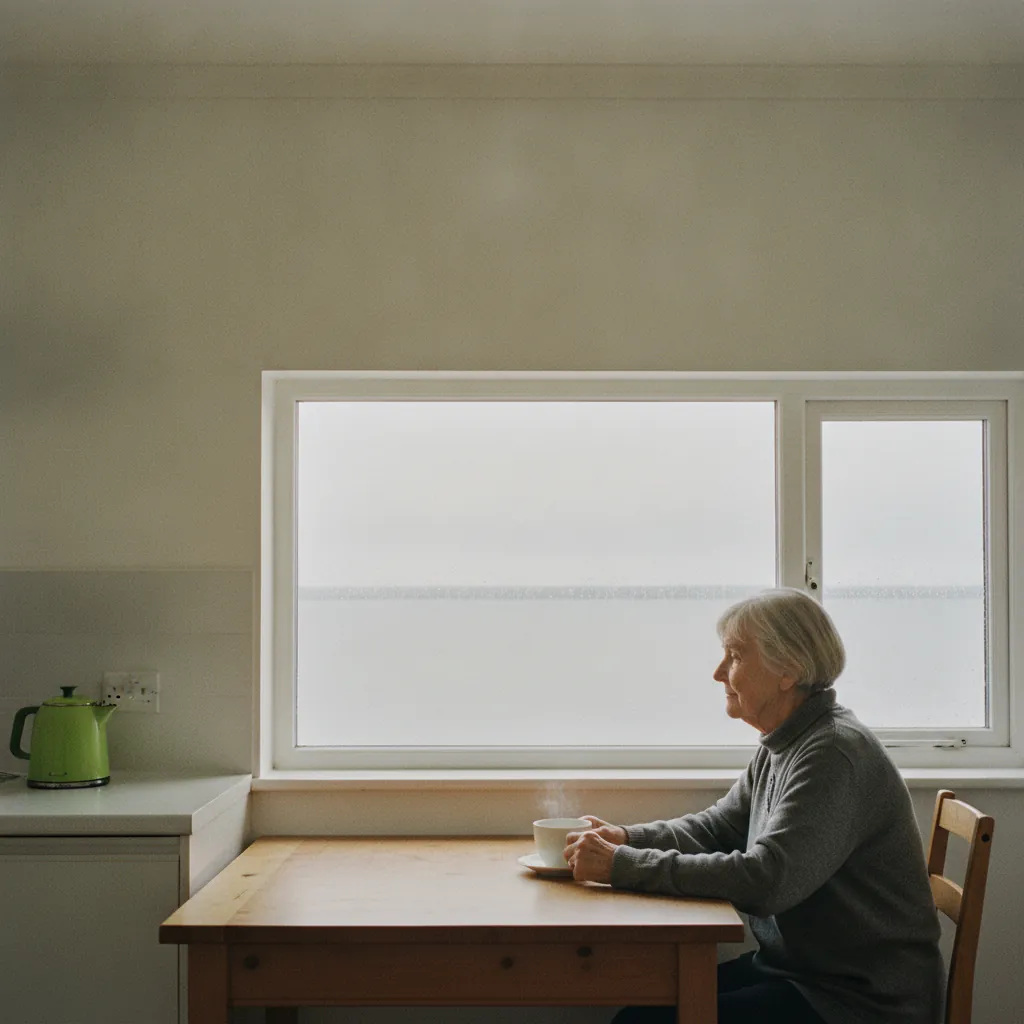
Cinematic square teaser poster composition with no text. An elderly woman sits at a kitchen table by a window in a harbour flat, in profile, a cup of tea in front of her, the…
Full prompt and settings →Which Nano Banana to pick
A picture from a prompt has one price. Nano Banana 2 edits are priced by output size, from 0.5K to 4K, so the table shows the 0.5K price.
| Model | Best for | Text to image | Photo editing | From | Try it |
|---|---|---|---|---|---|
| Nano Banana ProNEW | The Pro model, for the most detailed pictures. | Yes | No | 24 credits · per picture | Try → |
| Nano Banana | The original Nano Banana, for quick, low-cost pictures. | Yes | No | 5 credits · per picture | Try → |
| Nano Banana 2 | Edits your photos from a prompt: up to 14 source images, 0.5K to 4K. | No | Yes | 6 credits · per picture | Try → |
Prices are in media credits and are the ones the tool charges today; the tool shows the exact number before you make anything. A failed generation gives its credits back. See plans and credit packs
From an idea to a Nano Banana picture in three steps
- 1
Describe the picture
Write what you want to see in plain words. To edit, upload up to 14 photos and say what should change.
- 2
Pick a version
Nano Banana Pro or Nano Banana to make a picture; Nano Banana 2 to edit, at 0.5K to 4K. The tool shows the exact credits before you start.
- 3
Download
Your pictures land in your library, ready to download. You pay only for the pictures that come back.
What people make with Nano Banana
Product shots
Studio-style pictures of a product, from a description or your own photo.
Photo edits
Change the background, the light or an object with Nano Banana 2.
Social posts
Pictures for posts, thumbnails and banners.
Combine photos
Use up to 14 photos as the source for one new picture.
Nano Banana questions
What is Nano Banana?
Can I edit my own photos with Nano Banana?
Can I try Nano Banana for free?
Which Nano Banana should I use?
Do I need a Google account?
Other models on QynTro
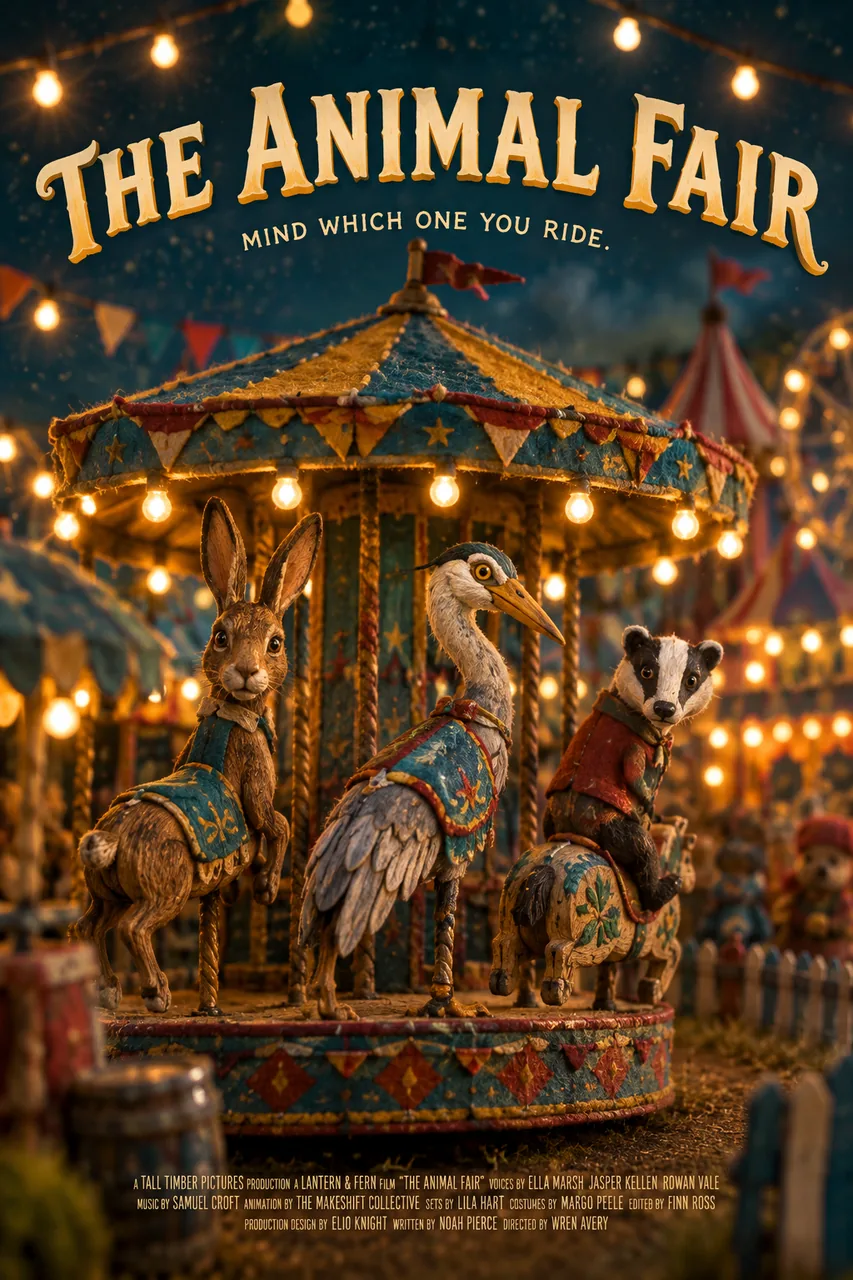 AI image model · OpenAI
GPT Image
OpenAI's image models, from GPT Image 2.5 to Mini.
Open GPT Image →
AI image model · OpenAI
GPT Image
OpenAI's image models, from GPT Image 2.5 to Mini.
Open GPT Image →
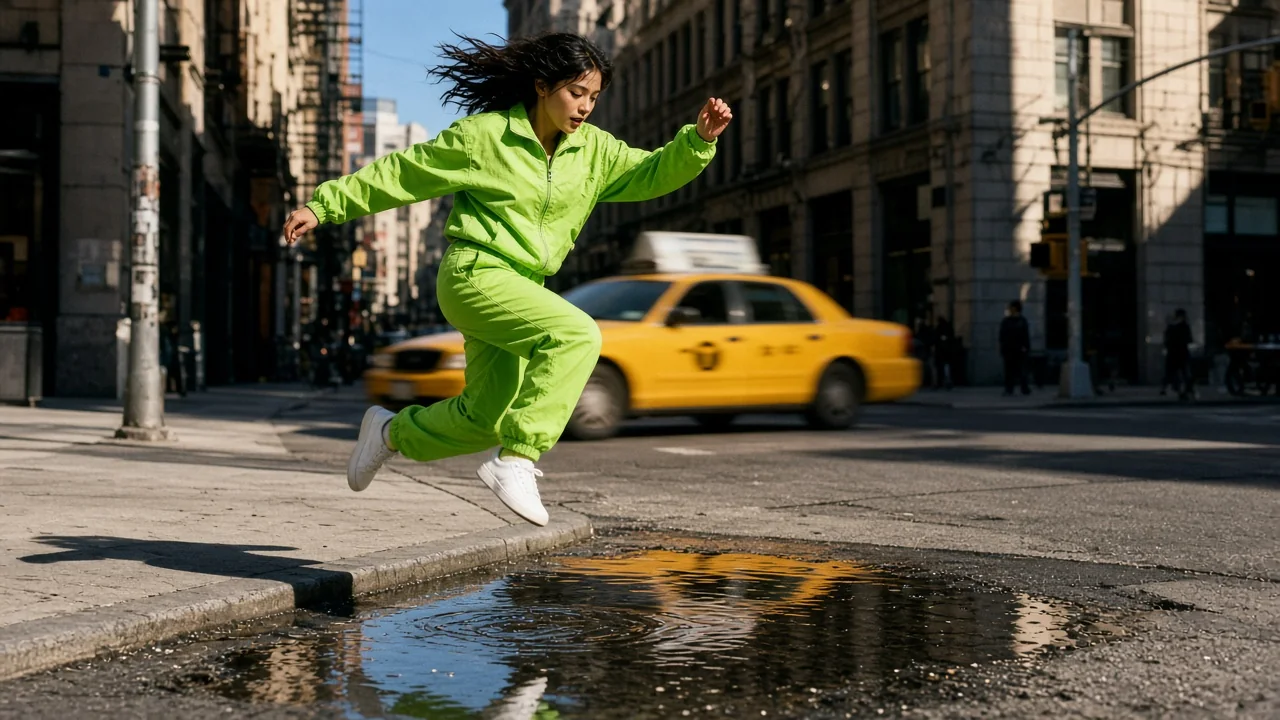 AI image model · xAI
Grok Imagine
xAI's image model, in five shapes from square to 16:9.
Open Grok Imagine →
AI image model · xAI
Grok Imagine
xAI's image model, in five shapes from square to 16:9.
Open Grok Imagine →
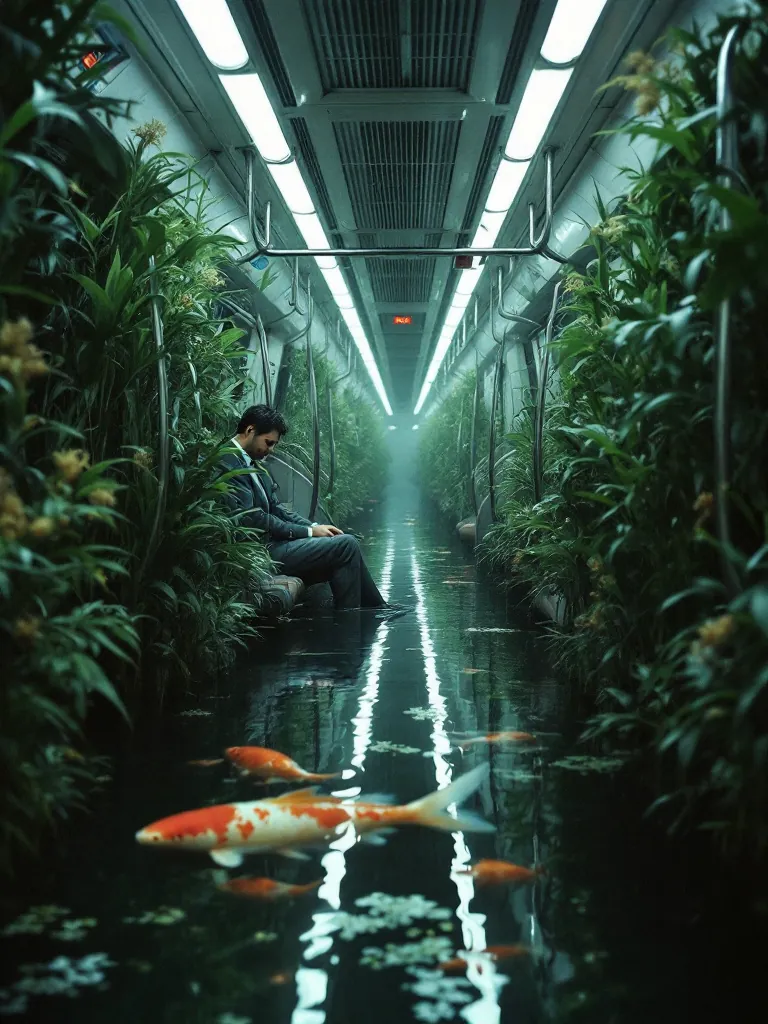 AI image and video models · Black Forest Labs
FLUX
Four FLUX image models, and FLUX.3 video up to 20 seconds.
Open FLUX →
AI image and video models · Black Forest Labs
FLUX
Four FLUX image models, and FLUX.3 video up to 20 seconds.
Open FLUX →
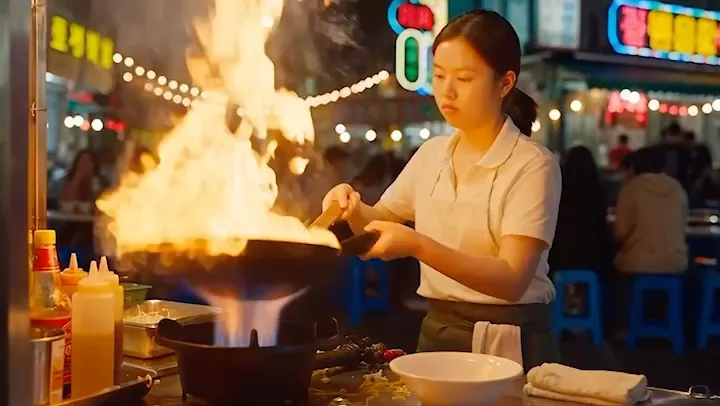 AI video model · ByteDance
Seedance
ByteDance video with sound built in, from a prompt or a photo.
Open Seedance →
AI video model · ByteDance
Seedance
ByteDance video with sound built in, from a prompt or a photo.
Open Seedance →
Make your first Nano Banana picture
One QynTro account opens every model on this page, plus the rest of the image, video, music and voice tools.