FLUX AI image and video generator
Make pictures and video with FLUX, the models from Black Forest Labs. QynTro runs four FLUX image models, from the quick FLUX.1 [schnell] to FLUX Realism, and FLUX.3 for video of up to 20 seconds with sound.
- 6 FLUX models
- Up to 20 second videos with sound
- 6 picture sizes
- From 1 credit a picture
![The 3 A.M. Line - made with FLUX.1 [pro]](https://support.qyntroai.com/promo/explore/ex048.webp)
Made with FLUX on QynTro
Nothing here is a stock sample: each one was made on QynTro, and its page shows the exact prompt, so you can make it again or change it.
Two frames again, and the change between them is the whole piece. The first is a man on a wide grey street on a dry winter afternoon — bare plane trees, pale stone façades…
Full prompt and settings →
An astronaut floating in a spacecraft cupola, helmet off, holding a single ordinary houseplant in a terracotta pot. The plant's leaves and roots have grown out of the pot and are…
Full prompt and settings →![Last Ferry, 4 A.M. - made with FLUX.1 [pro]](https://support.qyntroai.com/promo/explore/ex007.webp)
Cinematic film poster composition with no text. Two people in winter coats stand apart on an empty ferry pontoon at four in the morning, one facing the water, one facing the…
Full prompt and settings →![Paper Boats - made with FLUX.1 [dev]](https://support.qyntroai.com/promo/explore/ex008.webp)
Cinematic film poster composition with no text. A single small paper boat floats on flat grey harbour water, close to the camera, filling the lower third of the frame, perfectly…
Full prompt and settings →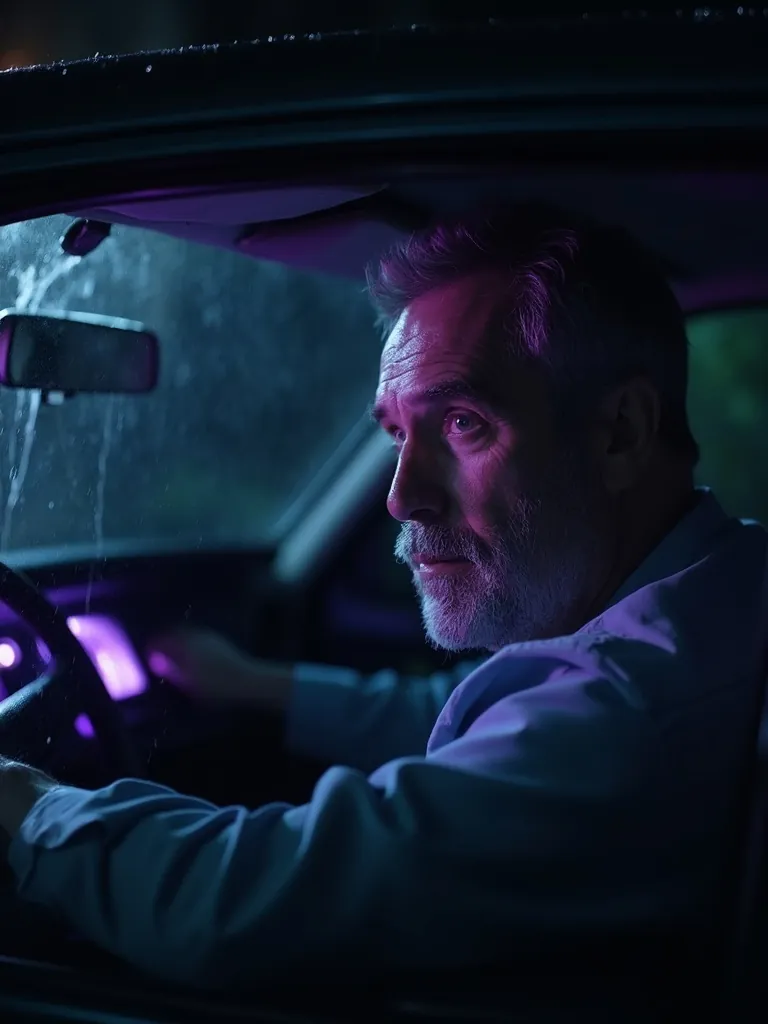
Cinematic film poster composition with no text. A close three-quarter portrait of a man in his fifties sitting in a parked car at night, seen through the side window, the glass…
Full prompt and settings →![Underwater Sunday School - made with FLUX.1 [schnell]](https://support.qyntroai.com/promo/explore/ex014.webp)
Cinematic film poster composition with no text. A single wooden chair stands upright on a sandy seabed underwater, centred, lit by shafts of pale green light coming down from the…
Full prompt and settings →![Tide Marks - made with FLUX.1 [pro]](https://support.qyntroai.com/promo/explore/ex020.webp)
Cinematic film poster composition with no text. A close view of a weathered concrete harbour wall rising out of flat green-grey water, covered in barnacles and dark tide staining…
Full prompt and settings →Five second cinematic film moment with sound. Rain hammering on the steel roof of an empty night ferry terminal. The camera tracks sideways to the right along a row of empty…
Full prompt and settings →Which FLUX to pick
A FLUX picture has one price. FLUX.3 video charges by the second: pick 5, 10, 15 or 20 seconds at 720p or 1080p, with sound included; the table shows the 5 second 720p price.
| Model | Best for | Text to image | Text to video | Image to video | Length | From | Try it |
|---|---|---|---|---|---|---|---|
| FLUX.1 [pro]NEW | The pro picture model, now running FLUX 1.1 [pro]: high all-round quality. | Yes | No | No | — | 8 credits · per picture | Try → |
| FLUX Realism | Photoreal pictures of people, products and places. | Yes | No | No | — | 8 credits · per picture | Try → |
| FLUX.1 [dev] | A balanced model for everyday pictures. | Yes | No | No | — | 4 credits · per picture | Try → |
| FLUX.1 [schnell] | The quickest FLUX, for drafts. | Yes | No | No | — | 1 credit · per picture | Try → |
| FLUX.3 VideoNEW | Video with sound from a prompt or a photo, up to 20 seconds at 1080p. | No | Yes | Yes | 5 to 20 s | 85 credits · 5 s clip | Try → |
| FLUX.3 First-Last FrameNEW | Give it a first and a last frame, and it makes the motion in between. | No | No | Yes | 5 to 20 s | 85 credits · 5 s clip | Try → |
Prices are in media credits and are the ones the tool charges today; the tool shows the exact number before you make anything. A failed generation gives its credits back. See plans and credit packs
From an idea to a FLUX picture or clip in three steps
- 1
Describe it
Write the picture or the shot in plain words. For video, you can start from a photo, or from a first and a last frame.
- 2
Pick a model and size
Choose a FLUX picture model and one of six sizes, or FLUX.3 with 5 to 20 seconds at 720p or 1080p. The tool shows the exact credits before you start.
- 3
Generate and download
Your results land in your library, ready to download. You pay only for what comes back.
What people make with FLUX
Photoreal pictures
Portraits, products and places with FLUX Realism.
Fast drafts
Try many ideas quickly with FLUX.1 [schnell].
Video with sound
FLUX.3 renders audio with the picture, up to 20 seconds.
Transitions
Set a first and a last frame and let FLUX.3 fill in the motion between them.
FLUX questions
What is FLUX?
Is FLUX.1 [pro] the same as FLUX 1.1 [pro]?
Can FLUX make video?
Can I try FLUX for free?
Do I need a Black Forest Labs account?
Other models on QynTro
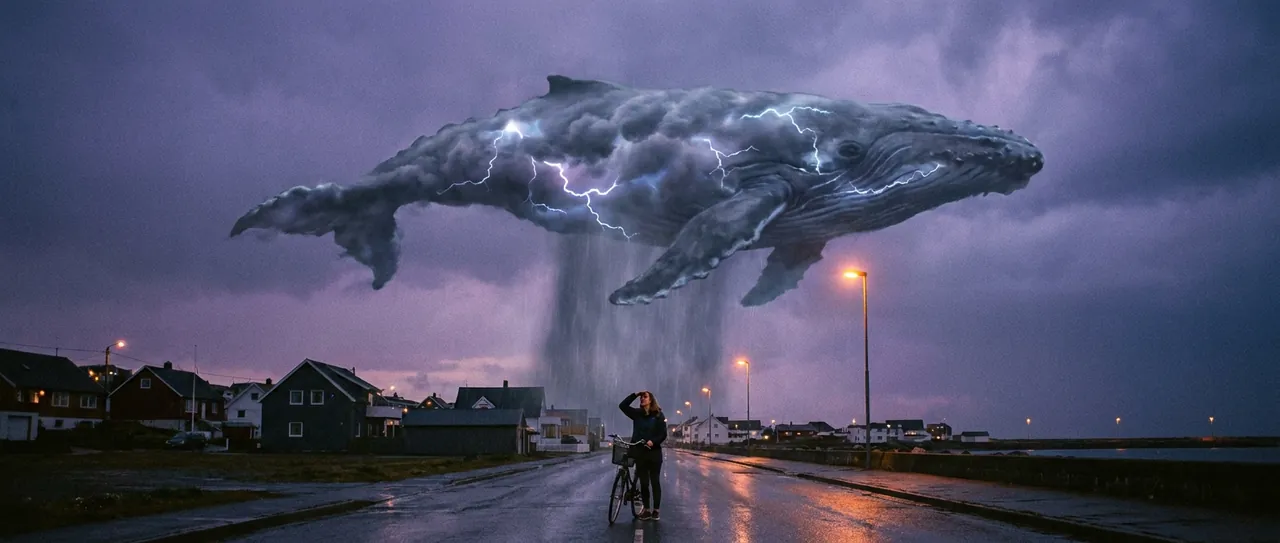 AI image model · Google
Nano Banana
Google's image models: make pictures and edit photos in plain words.
Open Nano Banana →
AI image model · Google
Nano Banana
Google's image models: make pictures and edit photos in plain words.
Open Nano Banana →
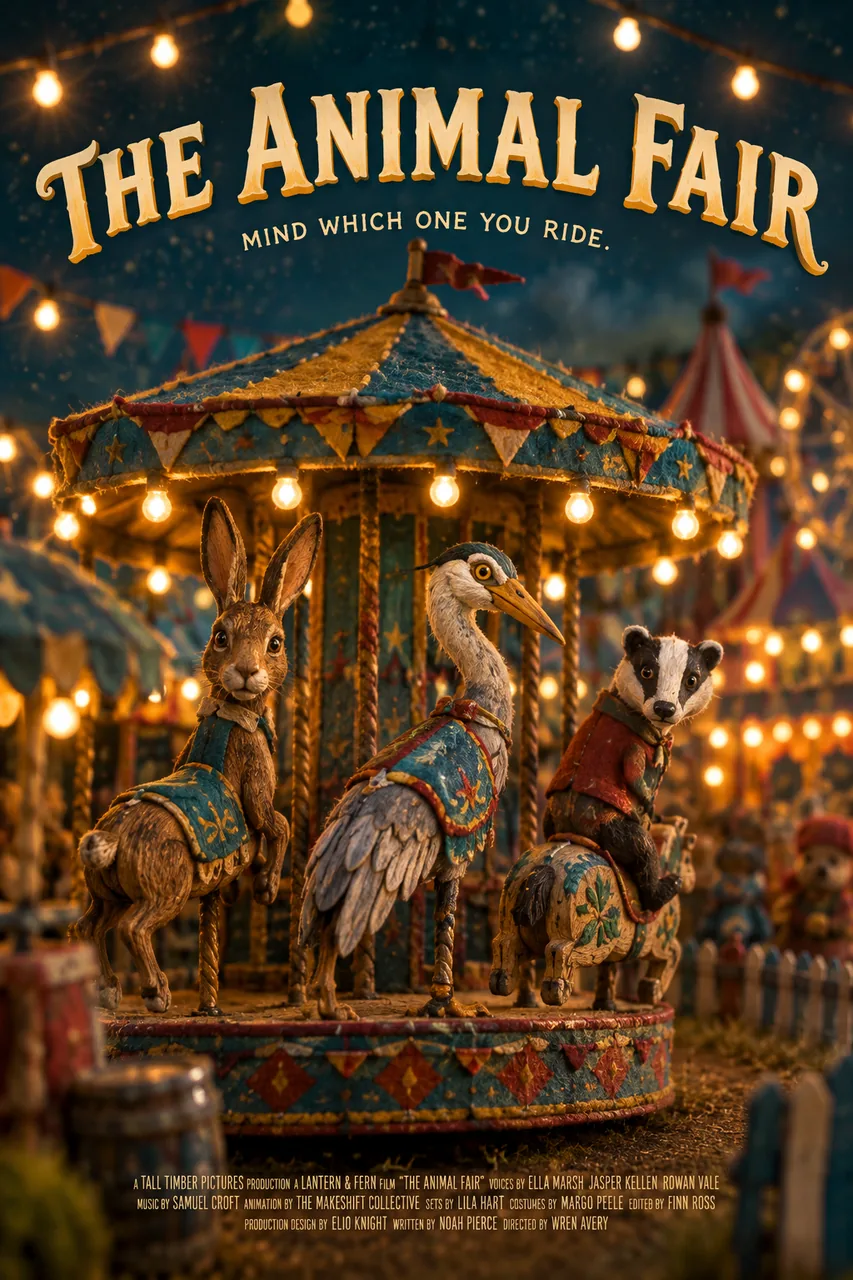 AI image model · OpenAI
GPT Image
OpenAI's image models, from GPT Image 2.5 to Mini.
Open GPT Image →
AI image model · OpenAI
GPT Image
OpenAI's image models, from GPT Image 2.5 to Mini.
Open GPT Image →
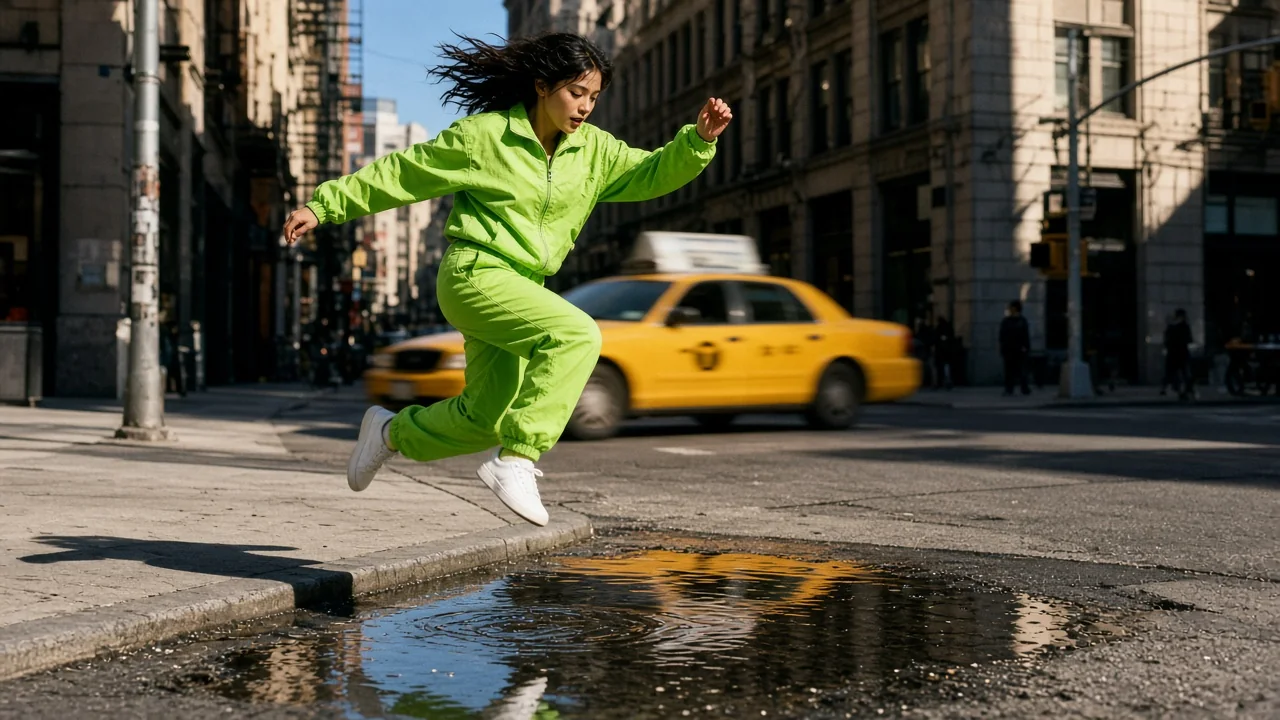 AI image model · xAI
Grok Imagine
xAI's image model, in five shapes from square to 16:9.
Open Grok Imagine →
AI image model · xAI
Grok Imagine
xAI's image model, in five shapes from square to 16:9.
Open Grok Imagine →
 AI video model · ByteDance
Seedance
ByteDance video with sound built in, from a prompt or a photo.
Open Seedance →
AI video model · ByteDance
Seedance
ByteDance video with sound built in, from a prompt or a photo.
Open Seedance →
Make your first FLUX picture
One QynTro account opens every model on this page, plus the rest of the image, video, music and voice tools.