


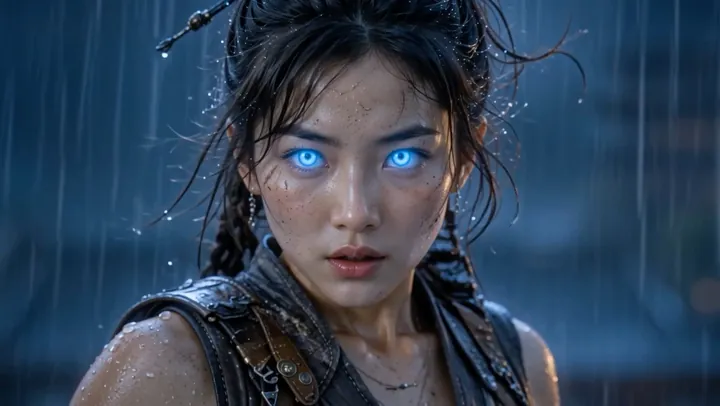
NewExtend, Insert a Scene and Swap

AI video grew up. Now it works on the video you already have.

Watch · 0:47 Watch with sound

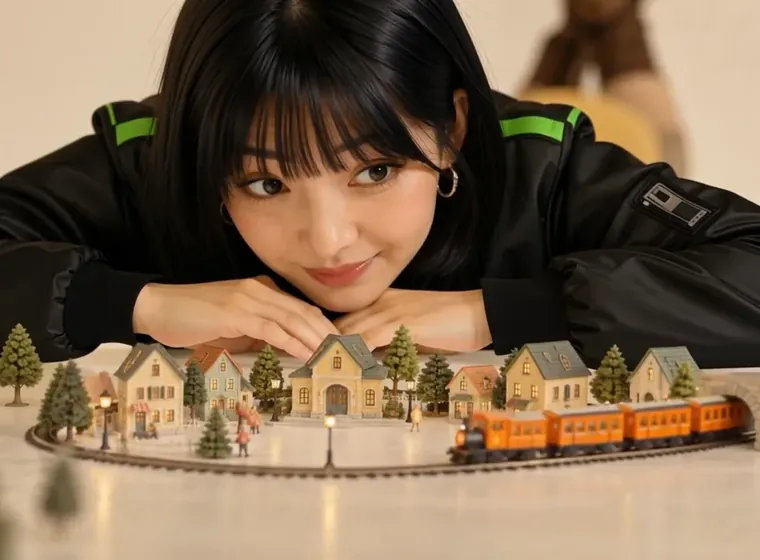
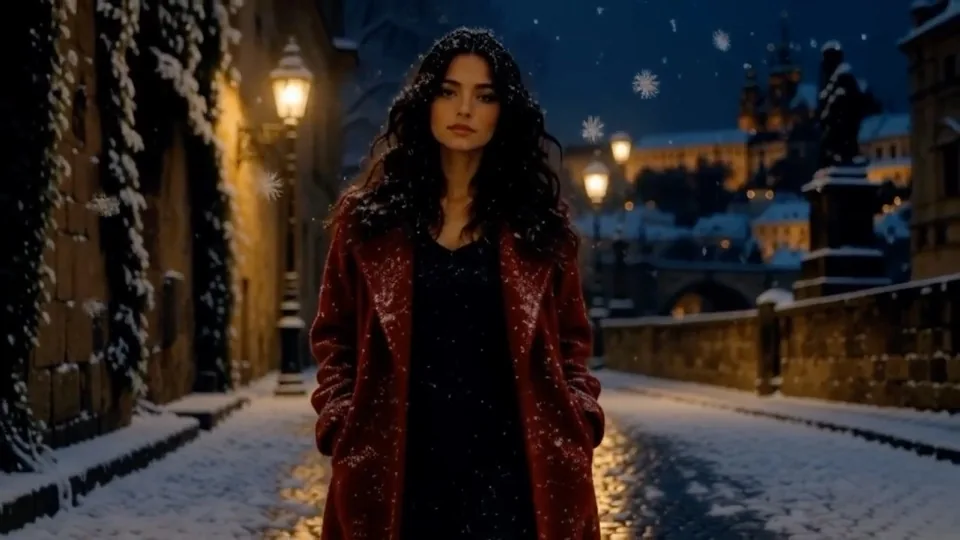
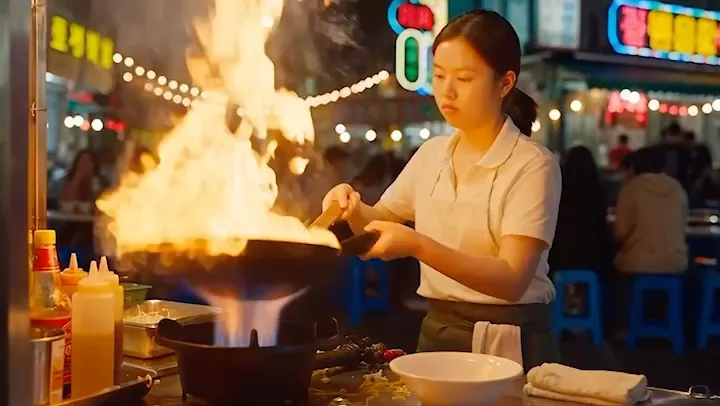
Text to video and image to video were only the start. Now you can extend a clip with the same frame, colours and character, cut a brand-new scene into it, or swap the person or an object in it.

  • 14 AI video tools
  • A real result on every card
  • One account for all of them
Pick a tool

What do you want to make?

Tap a tool to open it. A real result from each one is further down the page.

NewChange the video you already have

Make something new

01 New

Change the video you already have

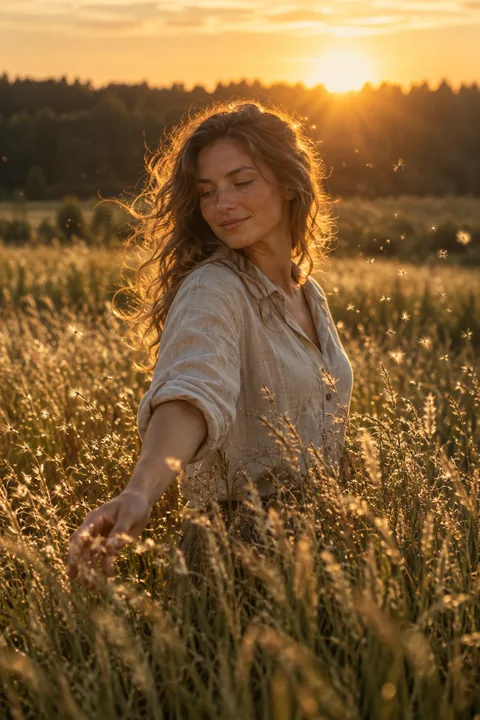
Keep the clip you made or filmed, and keep going: more seconds in the same frame, a new scene in the middle, a different person in it, a new season around it.

Your clip · 5 s
Extended · +5 s

Extend VideoNew

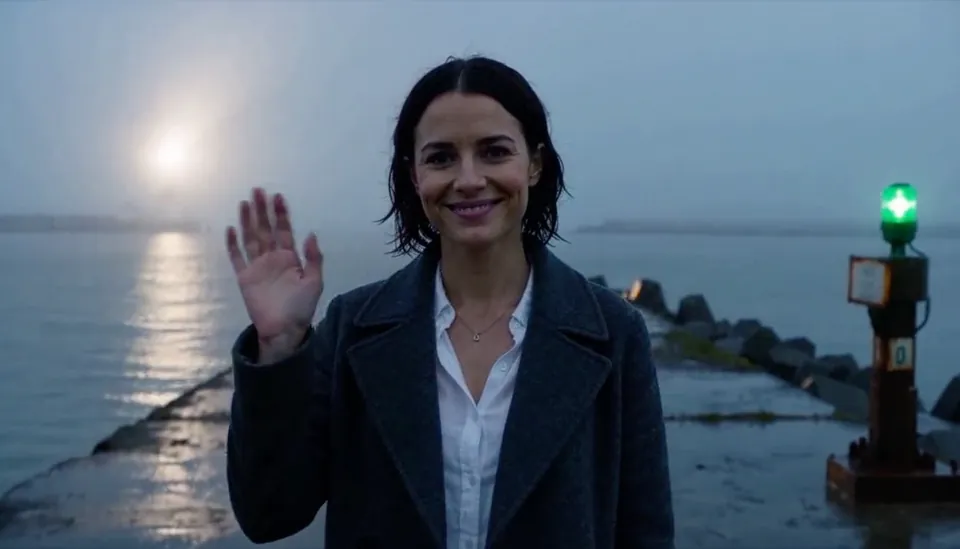
Add more seconds to any clip. The same frame, colours and character carry on.

A real run: one 5-second clip and one line - "She turns around to face the camera, smiles, and raises her hand to wave." - extended by +5 s at 768p.

Try Extend Video
Your clip · 10 s
New scene from 3 s

Insert a SceneNew

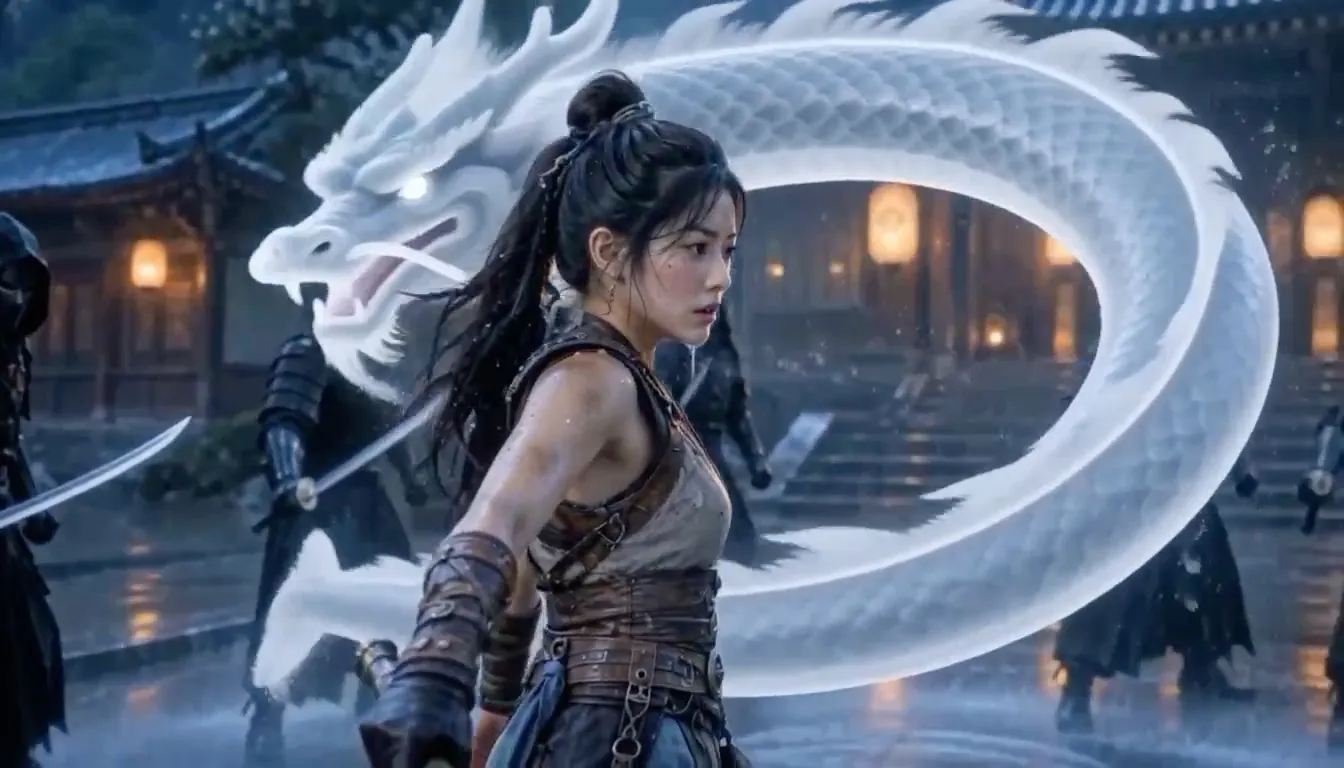
Cut a brand-new scene into the middle of a clip. Your clip carries on after it.

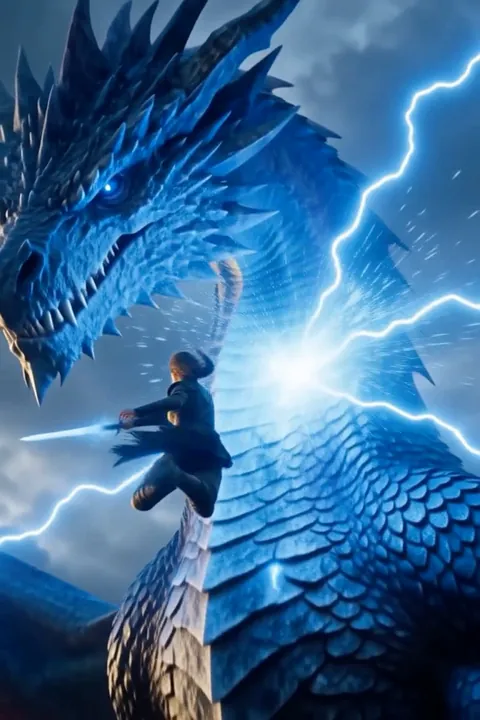
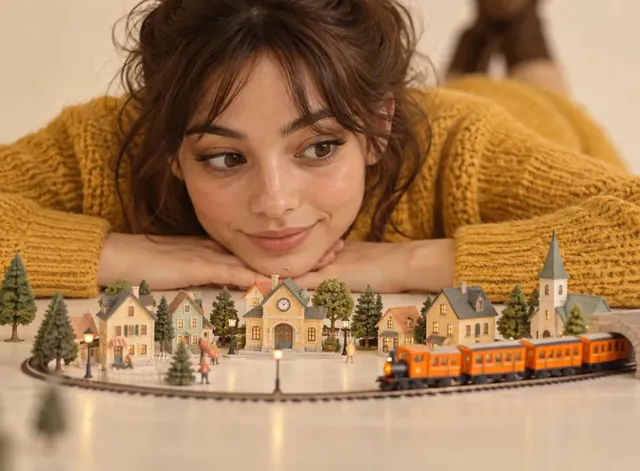
A real run: a 10-second clip, and a new 5-second scene placed at 3.0 s - a dragon made of rainwater - at 768p for 35 credits.

Try Insert a Scene
Clip + one photo
Swapped

AI Video SwapNew

Swap the person, an object or the background in a clip, with one photo.

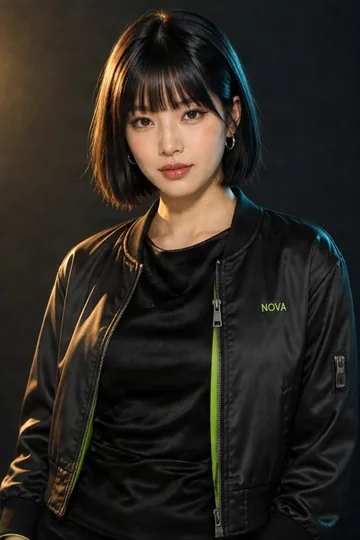
A real run: one 10-second clip and one photo in; "The person" swapped at 720p for 40 credits, the original sound kept.

Try AI Video Swap
Your clip
Edited

AI Video Editing

Change a clip by describing it: the season, the light, the look.

A real run: a 5-second clip and one line - "turn it into a snowy winter night with falling snow" - with FLUX.3 Edit Video. The framing and the motion stay.

Try AI Video Editing
02 Create

Make a video from words or a picture

Describe a shot, bring a picture to life, direct a scene, tell a whole story, turn a song into a video or drop one photo into a finished effect.

The picture

Image to Video

Bring a still picture to life.

"Storm Dragon Duel" - one picture in, 10 seconds out with MiniMax H3 Max at 768p. See the prompt

Try Image to Video
The reference

Cinema Studio

Direct a scene from your own pictures, a clip and a sound.

"Seed Light" - one reference picture and a described shot, 10 seconds with Wan 3.0 Prime. See the prompt

Try Cinema Studio

Storyboard Video

Type a story; get it back as narrated scenes with music.

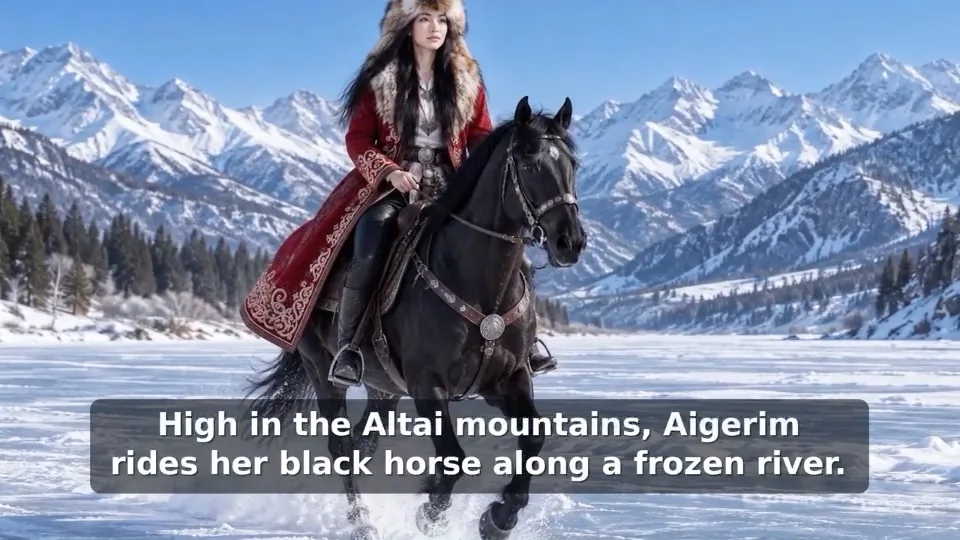
"The Eagle Huntress" - a one-minute story. These are its first 12 seconds.

Try Storyboard Video

AI Music Video

Turn a song into a music video.

"Slack Water" - written and sung on QynTro, then made into a 30-second music video.

Try AI Music Video

Visual Effects

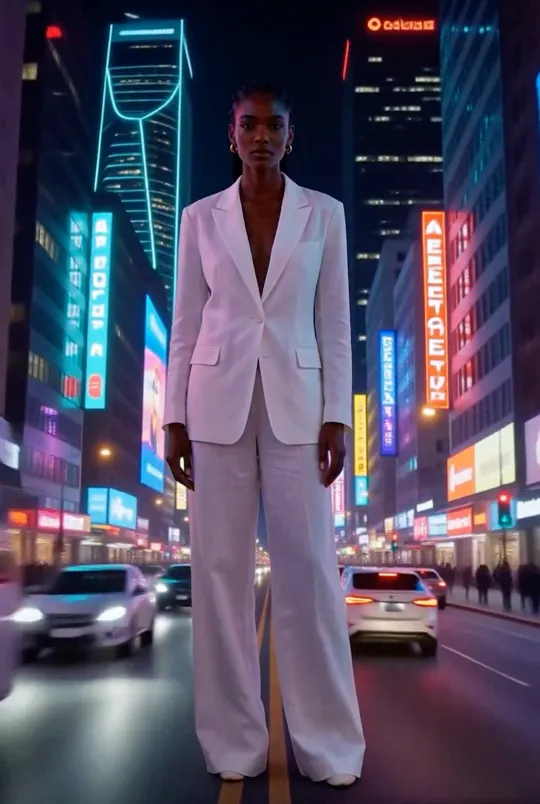
Pick an effect, add one photo, get the finished shot.

"World Morph" - one photo in.

Try Visual Effects
03 On camera

Put a person on camera

One photo becomes someone who talks, sings or sells - with the voice already in the video.

UGC Video

A spokesperson ad from one photo.

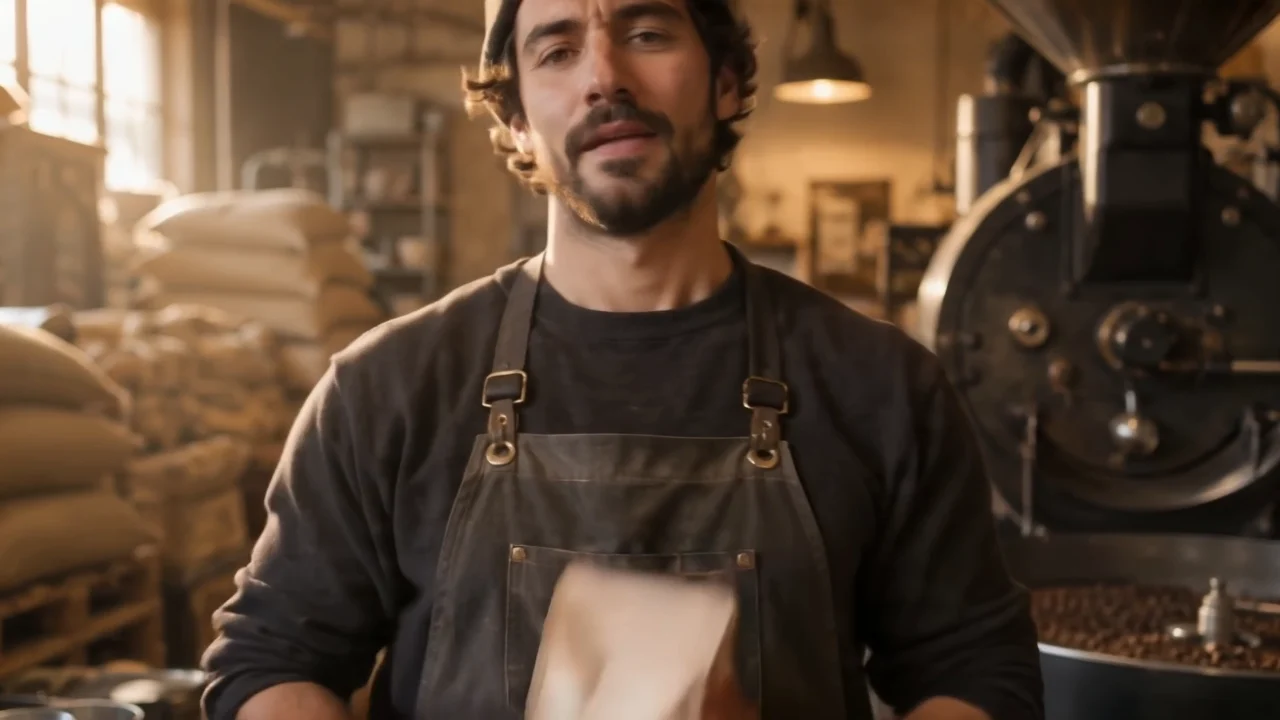
A coffee roaster ad - one photo and one line in, a 10-second ad with the voice already in it.

Try UGC Video
The photo

AI Avatar Video

Turn a photo into someone who talks.

One photo of a baker and a line of script in; a talking clip out.

Try AI Avatar Video

Lip-Sync Video

Make a photo sing or speak your audio.

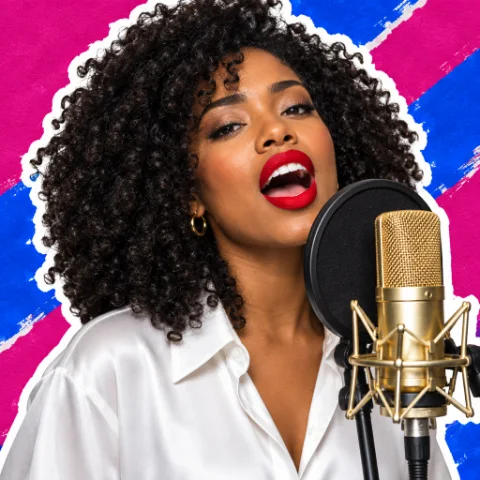
One photo and 13 seconds of singing in; this video out.

Try Lip-Sync Video
04 Finish

Put it all together

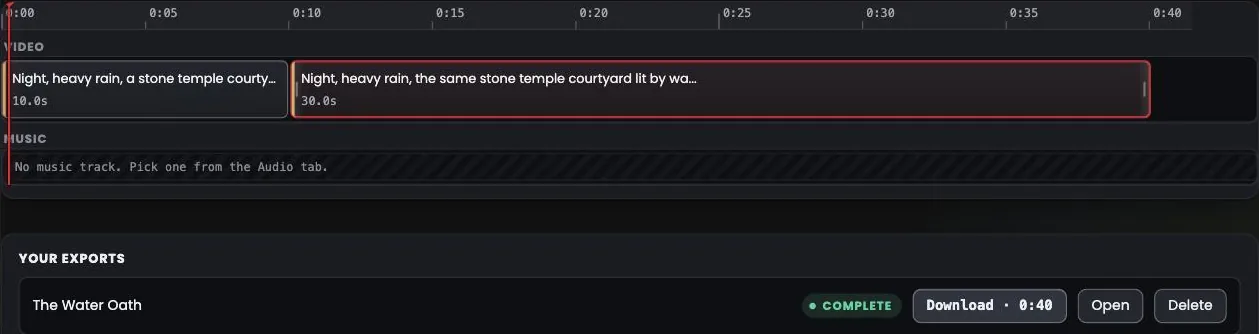
Line your scenes up on one timeline, add a title card or a music track, and export one video.

The Video Studio timeline: a 10-second shot and a 30-second shot, exported as one 40-second video

Video Studio

Put your scenes together on one timeline and export one video.

"The Water Oath" - two Cinema Studio shots, 10 s and 30 s, merged into one 40-second video. See the prompt

Try Video Studio
Start now

One account. Every AI video tool.

Make a scene, extend it, cut a new one into it, swap a face, add an effect and put it all together - all from the same screen.

Every AI video tool14 tools, one account Start creating