Gemini Omni Flash video generator
Make video with Gemini Omni Flash, a fast video model from Google. Describe a scene or start from a photo, and it returns a 5 or 10 second 720p clip with sound rendered in.
- 5 or 10 second clips
- 720p with sound
- 16:9, 9:16 or 1:1 from a prompt
- From 65 credits a clip
Which Gemini Omni Flash to pick
Gemini Omni Flash charges by the second, at 720p with sound included: a 10 second clip costs twice a 5 second one.
| Model | Best for | Text to video | Image to video | Length | From | Try it |
|---|---|---|---|---|---|---|
| Gemini Omni FlashNEW | Google's fast video model: 720p with sound built in. | Yes | Yes | 5 or 10 s | 65 credits · 5 s clip | Try → |
Prices are in media credits and are the ones the tool charges today; the tool shows the exact number before you make anything. A failed generation gives its credits back. See plans and credit packs
From an idea to a Gemini Omni clip in three steps
- 1
Describe the scene
Write what happens, how the camera moves and what we should hear. Or start from a photo and describe the motion.
- 2
Pick a length
Choose 5 or 10 seconds and, from a prompt, a wide, tall or square frame. The tool shows the exact credits before you start.
- 3
Generate and download
The clip lands in your library with its sound, ready to download. If a render fails, its credits go straight back.
What people make with Gemini Omni Flash
Quick social clips
Tall 9:16 videos with sound for Reels, Shorts and TikTok.
Product moments
A short moving shot of a product, from one photo.
Storyboards
Test a scene fast before making the final cut with Veo or Kling.
Ambient loops
Backgrounds with sound for streams, slides and websites.
Gemini Omni Flash questions
What is Gemini Omni Flash?
How is it different from Veo?
Does Gemini Omni Flash make sound?
Can I try Gemini Omni Flash for free?
Do I need a Google account?
Other models on QynTro
 AI video model · ByteDance
Seedance
ByteDance video with sound built in, from a prompt or a photo.
Open Seedance →
AI video model · ByteDance
Seedance
ByteDance video with sound built in, from a prompt or a photo.
Open Seedance →
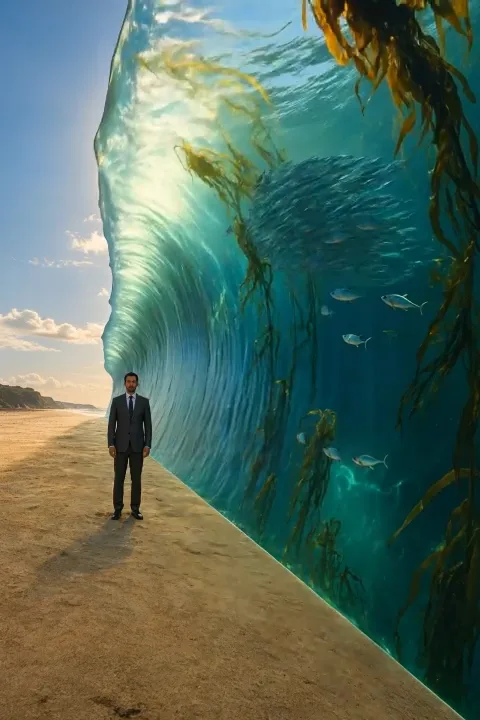 AI video model · Kuaishou
Kling
Cinematic text-to-video and image-to-video, six versions.
Open Kling →
AI video model · Kuaishou
Kling
Cinematic text-to-video and image-to-video, six versions.
Open Kling →
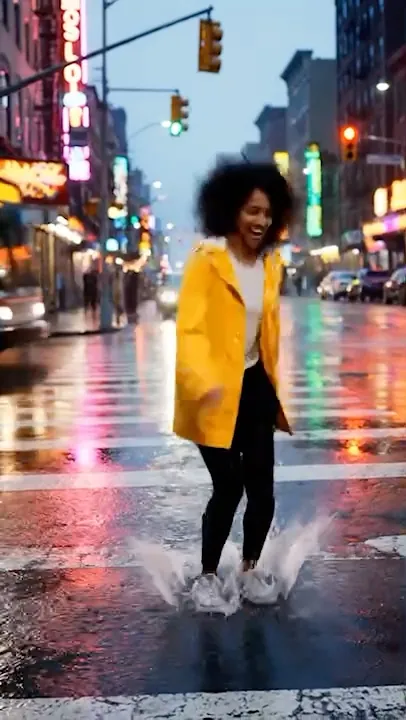 AI video model · Google
Veo
Google's video models: sound, up to 4K, clips up to 8 seconds.
Open Veo →
AI video model · Google
Veo
Google's video models: sound, up to 4K, clips up to 8 seconds.
Open Veo →
 AI video model · MiniMax
MiniMax
H3 Max video up to 15 seconds and 1080p, with camera moves.
Open MiniMax →
AI video model · MiniMax
MiniMax
H3 Max video up to 15 seconds and 1080p, with camera moves.
Open MiniMax →
Make your first Gemini Omni clip
One QynTro account opens every model on this page, plus the rest of the image, video, music and voice tools.