Google Veo AI video generator
Make video with Veo, Google's video models, from a written prompt or a photo. From a prompt, Veo 3.1 renders sound with the picture and goes up to 4K; QynTro runs four Veo versions on one account.
- 4 Veo versions
- Up to 8 second clips
- Up to 4K with Veo 3.1
- Sound on or off
- From 48 credits a clip
Made with Veo on QynTro
Nothing here is a stock sample: each one was made on QynTro, and its page shows the exact prompt, so you can make it again or change it.
Cinematic 35mm anamorphic shot on a sunlit city rooftop at golden hour. A man in a cobalt-blue linen suit plays a short, bright trumpet riff while three friends around him clap…
Full prompt and settings →Which Veo to pick
Veo charges by the second. From a prompt you choose the length, 720p, 1080p or 4K, a wide or tall frame, and sound on or off; on Veo 3.1 and 3.1 Fast, 4K and sound each raise the price. The table shows the cheapest run of each version.
| Model | Best for | Text to video | Image to video | Length | From | Try it |
|---|---|---|---|---|---|---|
| Veo 3.1 | Google's newest Veo, with sound and up to 4K from a prompt. | Yes | Yes | 4, 6 or 8 s | 80 credits · 4 s clip | Try → |
| Veo 3.1 Fast | The quicker, lower-cost Veo 3.1, for drafts and volume. | Yes | Yes | 4, 6 or 8 s | 48 credits · 4 s clip | Try → |
| Veo 3 | The previous Veo generation, with sound from a prompt. | Yes | Yes | Up to 8 s | 80 credits · 4 s clip | Try → |
| Veo 2 | The earlier Veo, for animating a photo. | No | Yes | 4, 6 or 8 s | 200 credits · 4 s clip | Try → |
Prices are in media credits and are the ones the tool charges today; the tool shows the exact number before you make anything. A failed generation gives its credits back. See plans and credit packs
From an idea to a Veo clip in three steps
- 1
Describe the shot
Write the scene, the camera move and the sound you want. Or start from a photo and describe the motion.
- 2
Set length, quality and sound
From a prompt, pick 4, 6 or 8 seconds, 720p to 4K, a wide or tall frame, and sound on or off. The tool shows the exact credits before you start.
- 3
Generate and download
The clip lands in your library, ready to download. If a render fails, its credits go straight back.
What people make with Veo
Clips with sound
With sound on, Veo renders the audio with the picture, so a clip arrives ready to post.
4K hero shots
Up to 4K from Veo 3.1 for ads, trailers and big screens.
Vertical video
Tall 9:16 clips for Reels, Shorts and TikTok.
Photos that move
Bring a product shot or a portrait to life with Veo 3.1, Veo 3 or Veo 2.
Veo questions
What is Google Veo?
Can I try Veo for free?
How long can a Veo video be?
Does Veo make sound?
Can Veo make 4K video?
Do I need a Google account?
Other models on QynTro
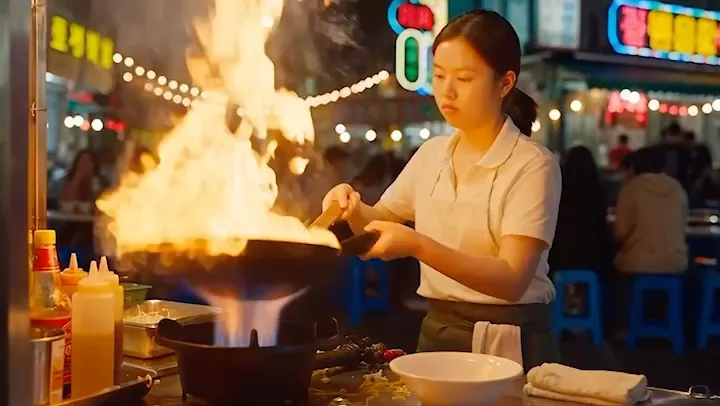 AI video model · ByteDance
Seedance
ByteDance video with sound built in, from a prompt or a photo.
Open Seedance →
AI video model · ByteDance
Seedance
ByteDance video with sound built in, from a prompt or a photo.
Open Seedance →
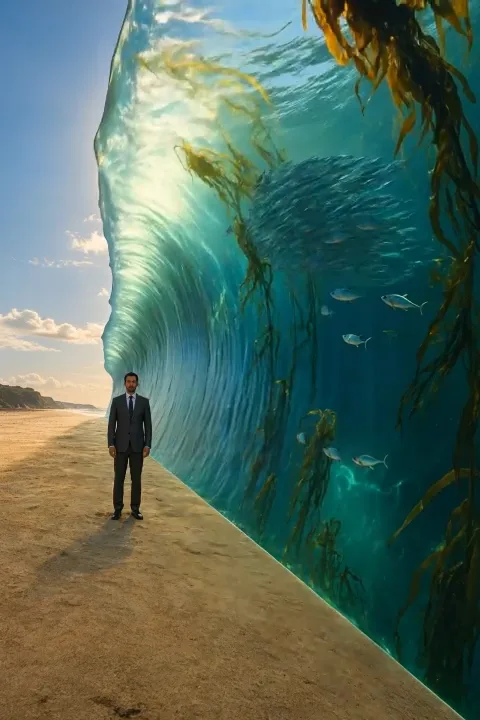 AI video model · Kuaishou
Kling
Cinematic text-to-video and image-to-video, six versions.
Open Kling →
AI video model · Kuaishou
Kling
Cinematic text-to-video and image-to-video, six versions.
Open Kling →
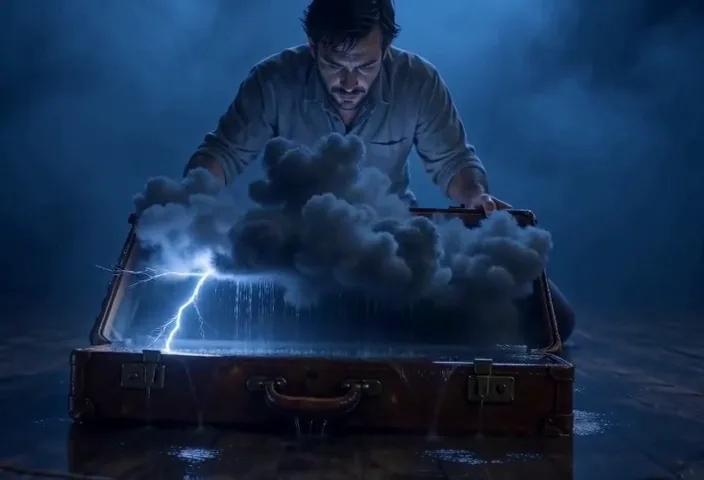 AI video model · MiniMax
MiniMax
H3 Max video up to 15 seconds and 1080p, with camera moves.
Open MiniMax →
AI video model · MiniMax
MiniMax
H3 Max video up to 15 seconds and 1080p, with camera moves.
Open MiniMax →
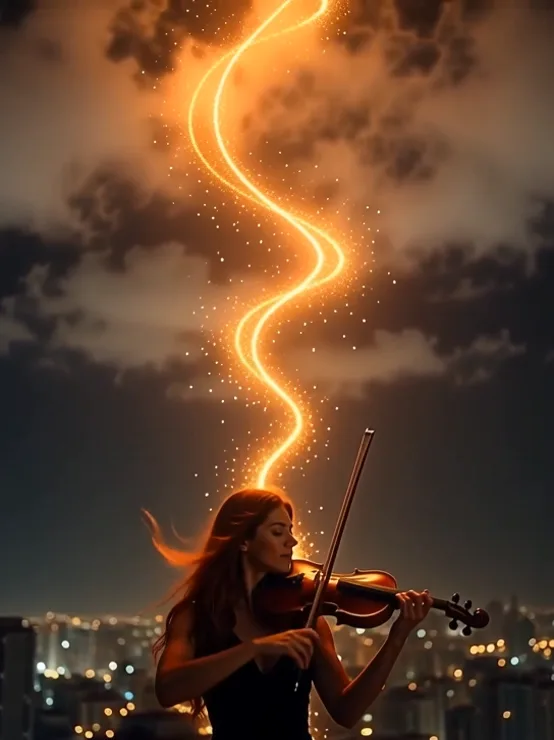 AI video model · Alibaba
Wan
Clips up to 30 seconds with sound, from a prompt or a photo.
Open Wan →
AI video model · Alibaba
Wan
Clips up to 30 seconds with sound, from a prompt or a photo.
Open Wan →
Make your first Veo clip
One QynTro account opens every model on this page, plus the rest of the image, video, music and voice tools.