Step 1: Open AI Music Pro
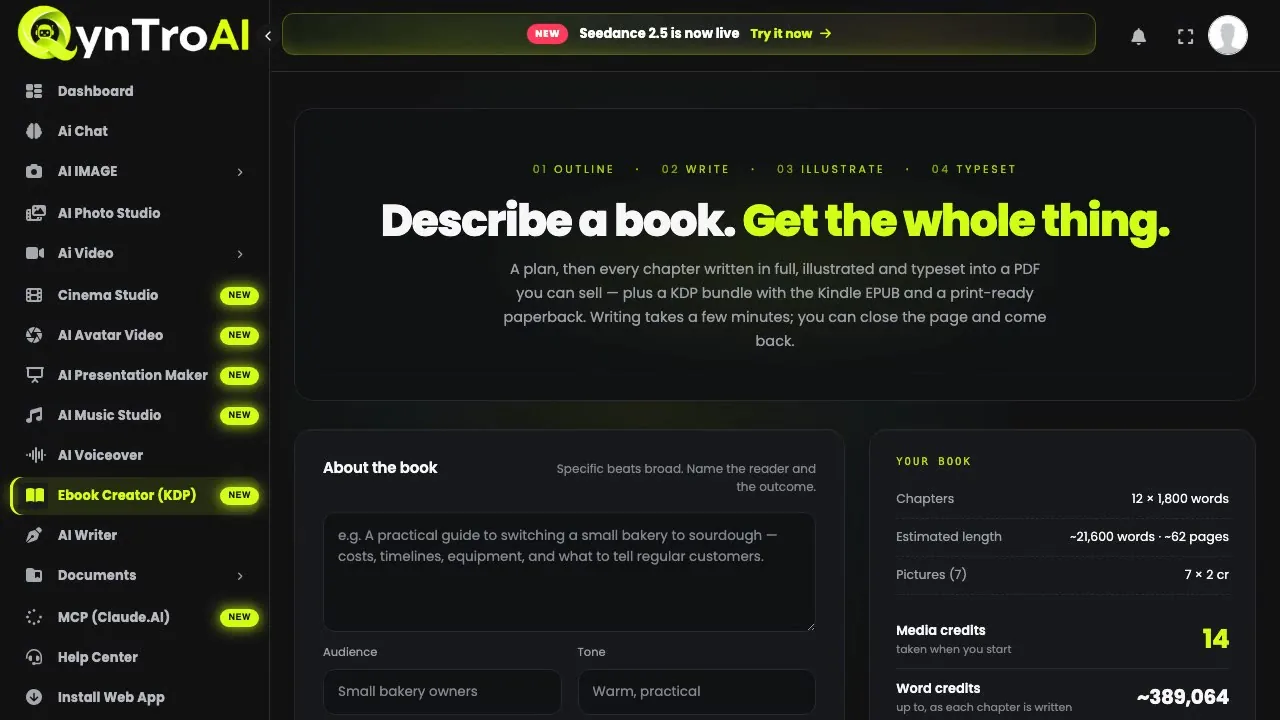
Sign in and open AI MUSIC › ElevenLabs in the sidebar: that is AI Music Pro, with its Studio, Library and Mixer tabs. You can write your first sentence on the public AI Music page before you have an account; it is waiting in the studio when you sign up.
Step 2: Describe the track in one sentence
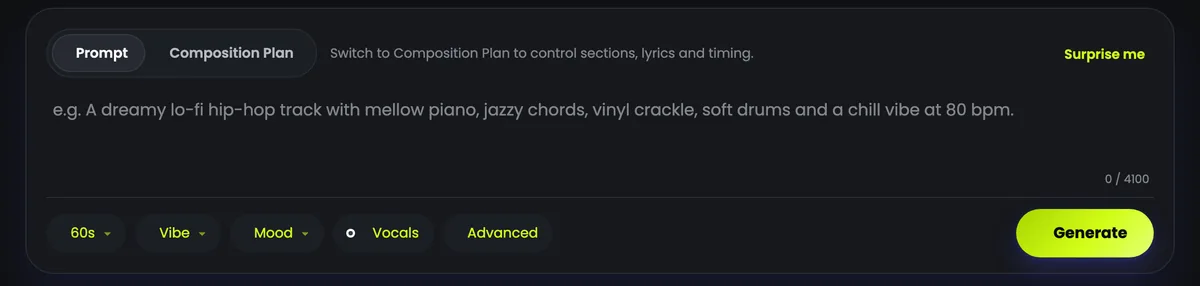
Type what you hear in your head into the Prompt box, up to 4,100 characters. Name the instruments, the tempo, the singer and the feeling, and say where the music will be used: the more specific the sentence, the closer the track.
"An uplifting indie-pop anthem at 104 bpm with a bright female lead vocal, jangly guitars, handclaps and a soaring chorus about starting over."
The Vibe and Mood choices label the track in your library; the music follows your sentence, so put the genre and the mood in it.
Step 3: Set the length and the vocals
- Length: from a few seconds to five minutes, with ready-made lengths from a 15-second hook to a 5-minute song.
- Vocals or Instrumental: with Vocals the song may be sung, in words the AI writes from your sentence; choose Instrumental for music with no voice.
- Advanced holds the title, the file format and a seed number.
The price follows the length you ask for: 12 media credits for up to 30 seconds, 45 media credits for up to two minutes, 110 media credits for up to five. You are charged only when the track is made. Press Generate: a track usually takes 20 to 90 seconds.
Step 4: Or plan the song section by section
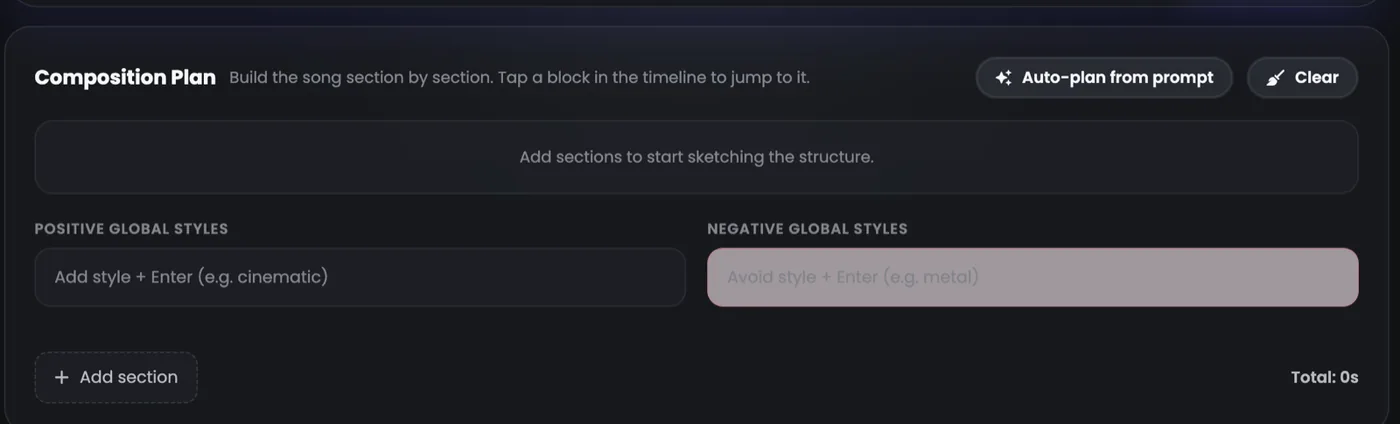
Switch the box to Composition Plan to build the song from sections: Intro, Verse, Pre-Chorus, Chorus, Bridge, Drop, Build-up, Breakdown, Solo and Outro. Each runs from 3 seconds to 3 minutes, with its own styles, styles to avoid, and lyric lines; the global styles apply to the whole song.
Auto-plan from prompt turns your sentence into a first plan to edit, and costs nothing. The song is priced on the total length of its sections.
Step 5: Have your own lyrics sung: MiniMax Music 3
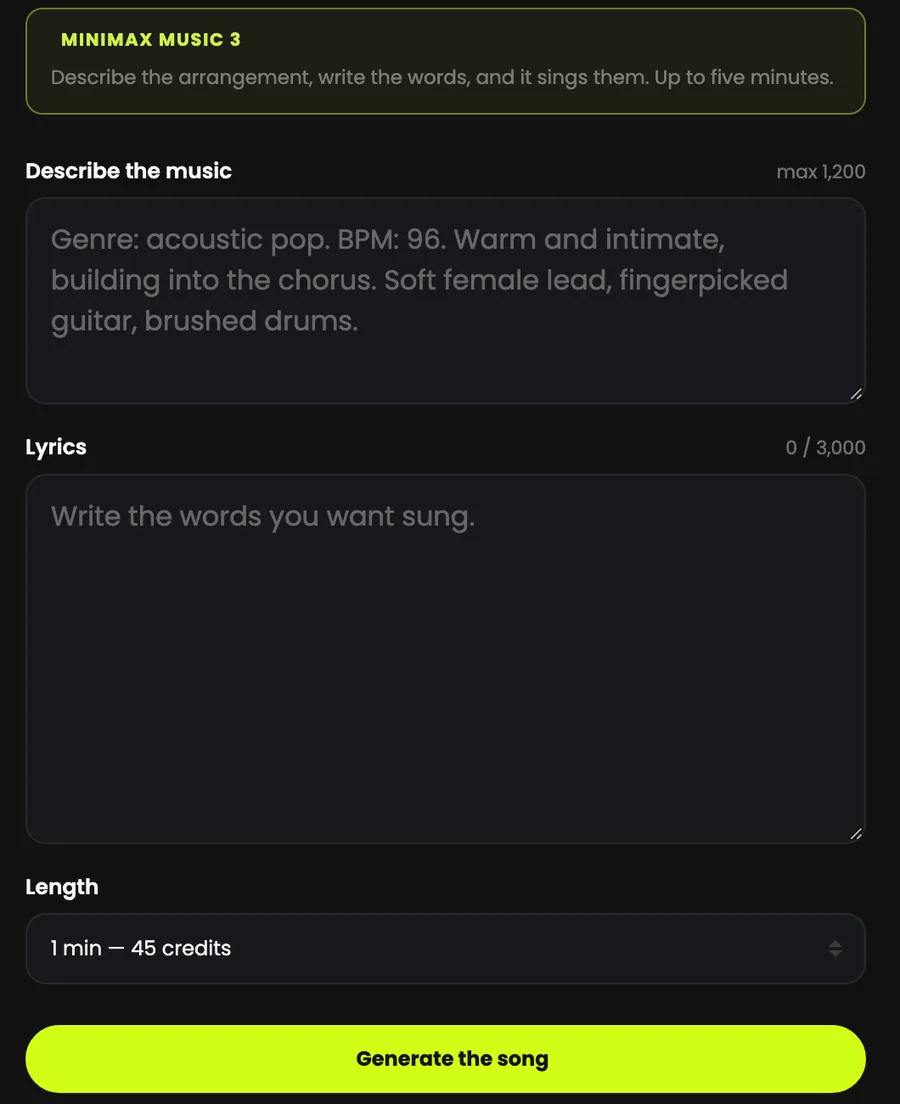
To hear your words sung, open AI MUSIC › MiniMax. Describe the music, up to 1,200 characters, and paste your lyrics, up to 3,000: both are needed, so MiniMax always sings. Section tags such as [Verse] and [Chorus] help it follow your structure.
Pick a length from 30 seconds to 5 minutes, each shown with its price, and press Generate the song. It takes a few minutes and the page shows it when it is ready. The length is the most it will run: a song can come back shorter.
For instrumental music, use AI Music Pro: MiniMax Music 3 needs lyrics.
Step 6: Play it, download it, find it again
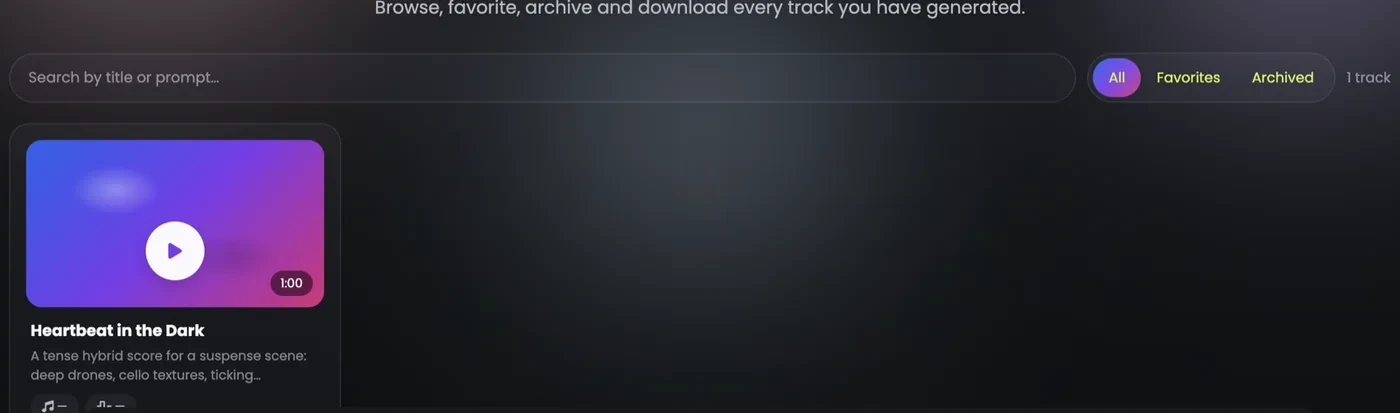
A finished track appears under Recent tracks and plays in the player at the bottom of the page. Download it there or from the Library, which holds the songs from both tools, with search and favourites.
Tracks are kept for 30 days on free and BASIC accounts and longer on PLUS and MAX, so download the ones you want to keep.
Writing a prompt that sounds right
- Instruments first. "Acoustic guitar, soft piano, brushed drums" says more than "chill".
- Give a tempo. A number, such as 80 or 104 bpm, sets the energy.
- Say the vocal. "A tender female lead vocal", "a gritty male rap", or "instrumental, no vocals".
- Say where it goes. "For a skincare ad", "under a travel vlog": the use shapes the feel.
- Keep what works. Make two or three versions of a sentence you like and keep the best one.
Give your song a music video
AI Music Video takes a track from your library, 30 or 60 seconds of it, and makes a video for it at 720p or 1080p. It runs on paid plans and credit packs.