Step 1: Open AI Avatar Video
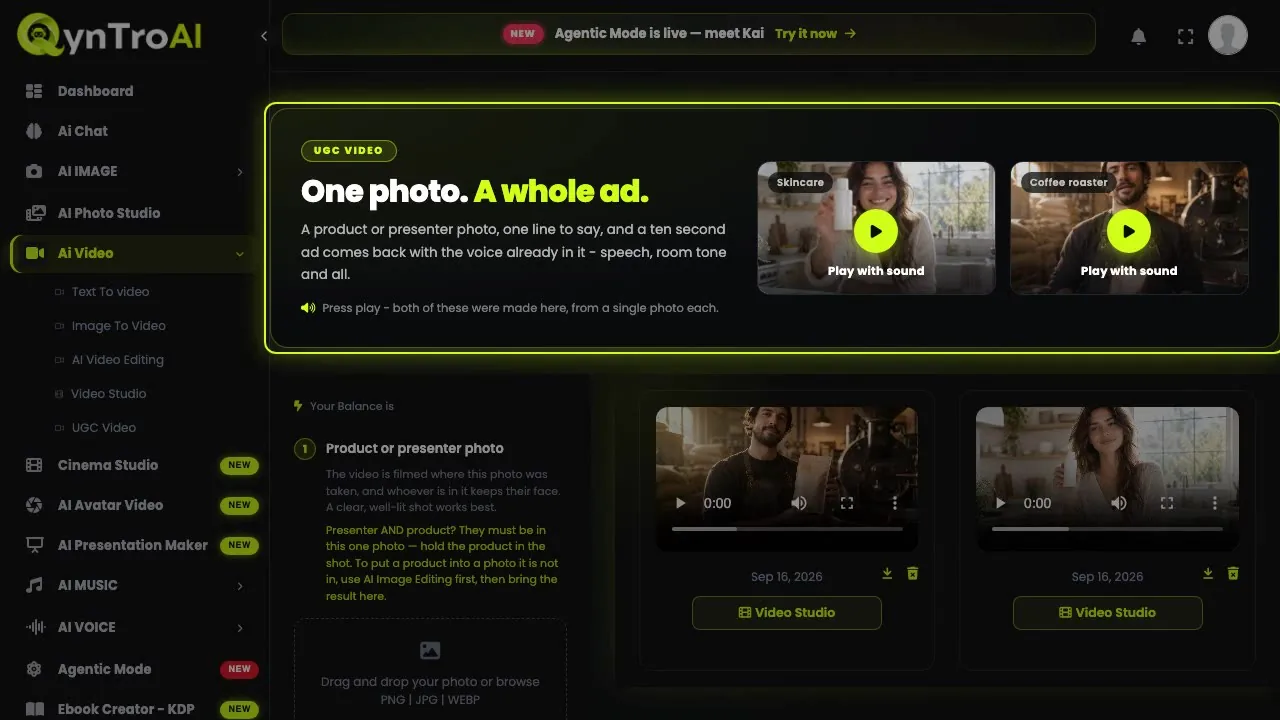
Sign in and open AI Avatar Video in the sidebar. Choose Create Video from AI Avatar Videos for a presenter from the library, or Create Video from AI Avatar Photos to use a photo. You can pick a presenter and write the script on the public AI Avatar page first.
Step 2: Pick a presenter, or use your own face
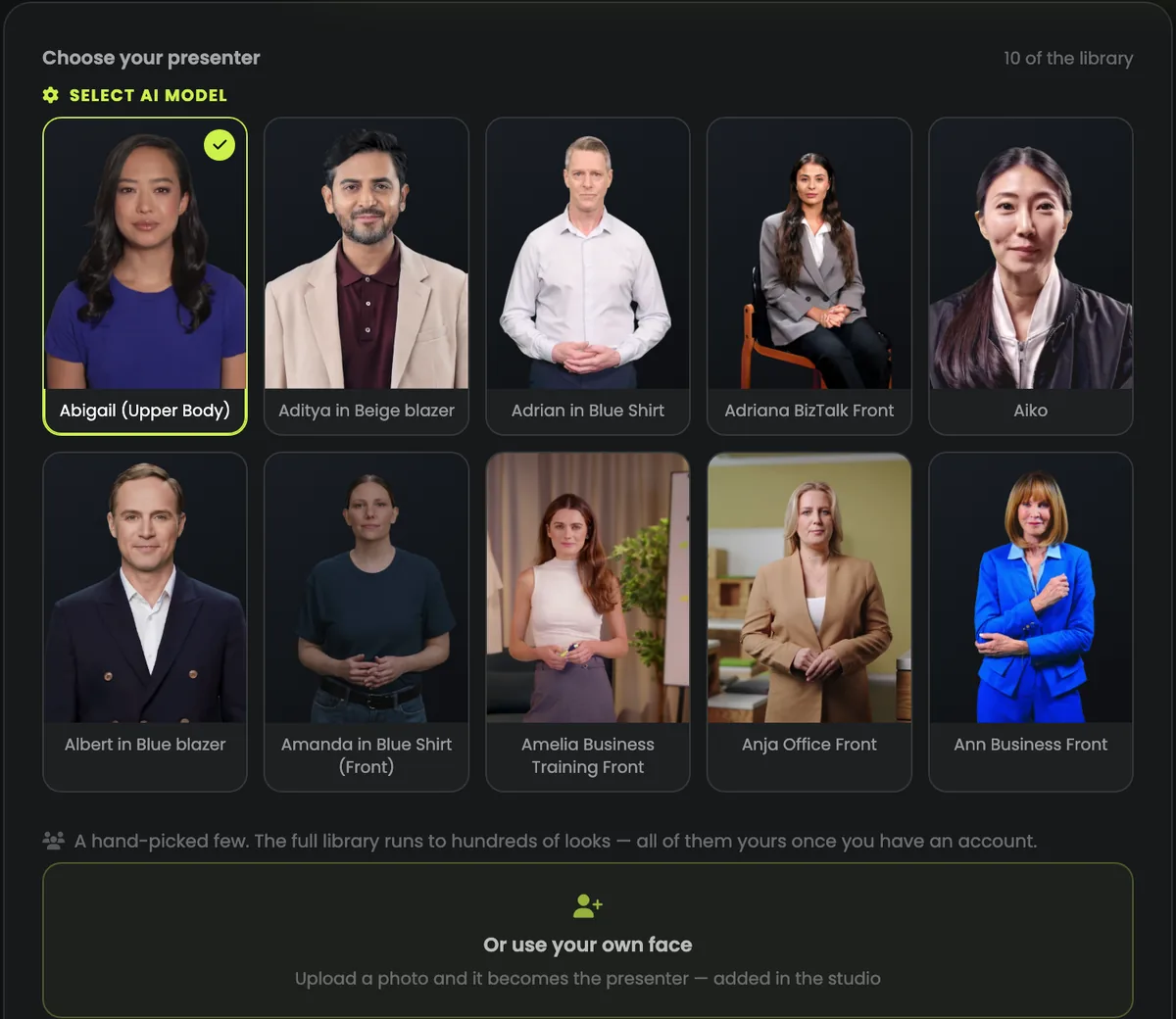
Step 1 is the presenter library: hundreds of looks, real people filmed in different outfits and settings. Click a face to choose it.
To use your own face, open Image Avatars, press Create Photo Avatar and upload a recent close-up photo of just you. A photo avatar is used for one video: it is removed once that video is made, or after an hour unused, so upload it again for the next one.
Only use a face you have the right to use: your own, someone who has agreed, or an AI-generated person.
Step 3: Choose the voice and write the script
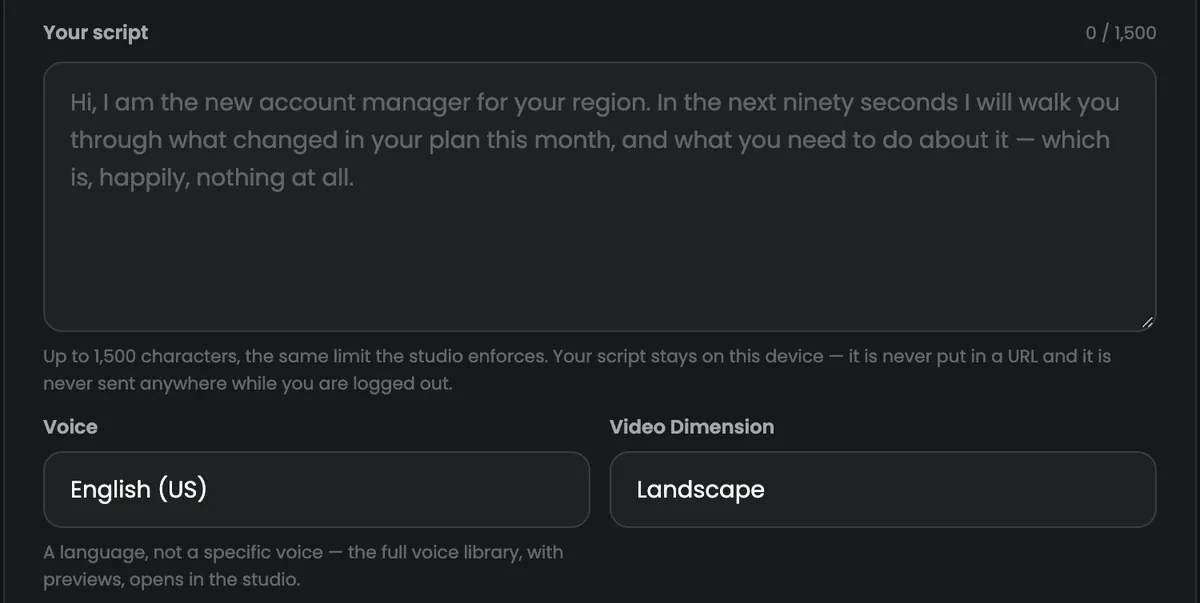
In Step 2, pick an Audio Voice: each is listed by language, name and gender, and the speaker button plays a preview. Then paste the script into Video Script Text: up to 1,500 characters, about 100 seconds of speech.
- Write the way people talk: short sentences, one idea each.
- Spell out numbers and abbreviations the way they should be said.
- Punctuation is timing: a full stop is a pause.
About 15 characters make one second: a 300-character script is a video of about 20 seconds.
Step 4: Set the video, then generate
In Step 3, give the video a title, choose Landscape or Portrait, and set the background: a colour, an image from your uploads, or an image link.
Press Generate Video. The cost is taken then, by the length of the script: 3 media credits a second with a presenter from the library, 5 media credits with your photo, so a full 1,500-character script costs 300 media credits or 500 media credits. If the video fails, the credits come back by themselves.
Videos render in the background: open Video Results to watch, download or delete them.
Make a photo speak or sing: Lip-Sync Video
Lip-Sync Video works the other way round: no script and no voice library, just a photo and your own recording, speech or singing. The face moves to match every word.
- The face: one person facing the camera, mouth visible; JPG, PNG or WEBP.
- The voice: MP3, WAV, M4A, AAC or OGG, at least 5 seconds; anything after about 15 seconds is cut off.
- Resolution: 480p, 768p or 1080p; the video takes the shape of your photo.
- A tick box confirms that you have the right to use the face and the voice.
It costs from 30 media credits, by the length of the recording and the resolution, and the exact price shows before you generate. Lip-Sync Video runs on paid plans and credit packs.
A presenter video people watch to the end
- Say the point first. The first sentence decides whether people keep watching.
- Keep it short. 30 to 60 seconds does most jobs; make a series rather than one long video.
- Match the shape to the place. Portrait for Reels, Shorts and TikTok; landscape for YouTube, websites and slides.
- Be open about it. Label AI presenters where the platform asks you to.