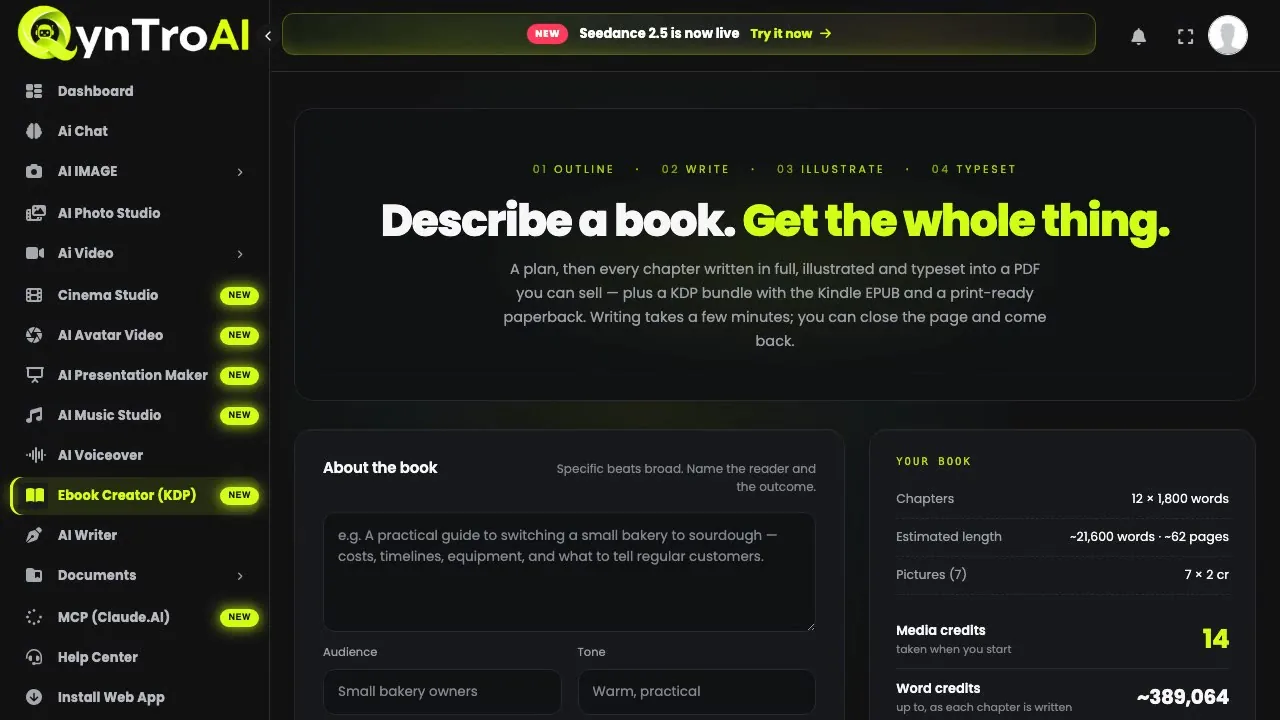
Step 1: Open Ebook Creator and choose Puzzle book
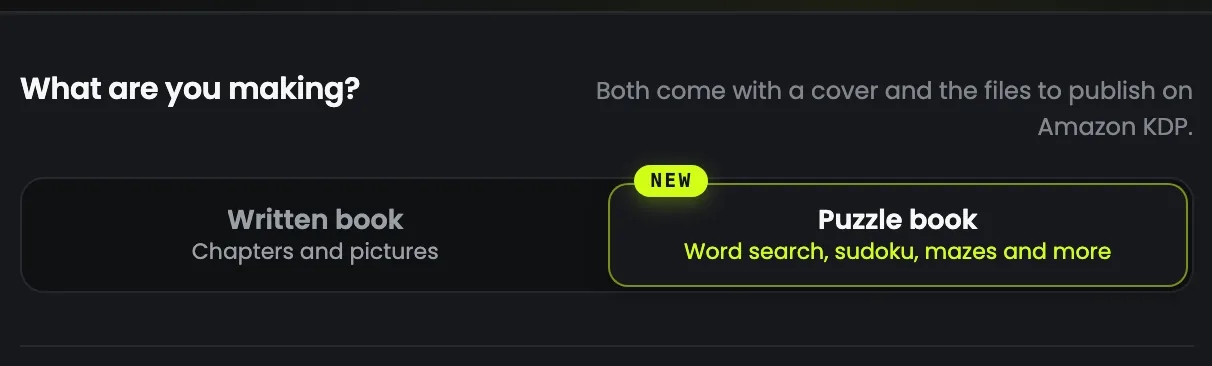
Sign in to QynTro and open Ebook Creator (KDP) from the sidebar. Under What are you making? choose Puzzle book: the form switches to the puzzle settings, and the panel on the right becomes Your puzzle book. The page remembers your choice for next time.
Step 2: Pick a theme and who it is for
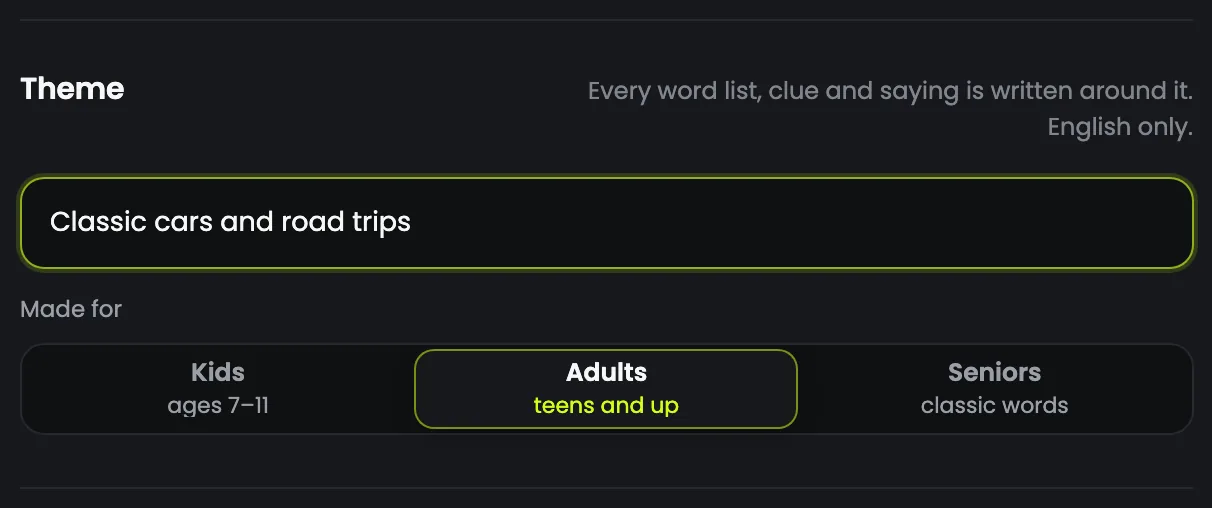
The theme shapes every word list, clue and saying in the book, and each puzzle gets its own topic within it. Name a hobby or an interest: people search Amazon for "dog lovers word search" or "gardening crossword", not "puzzle book".
- "Animals" is too broad: every puzzle ends up with the same few dozen words.
- "Birds of the British garden, through the seasons" has range for sixty puzzles, and a clear reader to sell to.
Then choose who it is made for: Kids aged 7 to 11 (words and clues a child knows), Adults, or Seniors (familiar, classic words). Puzzle books are made in English.
Step 3: Choose the kinds of puzzle
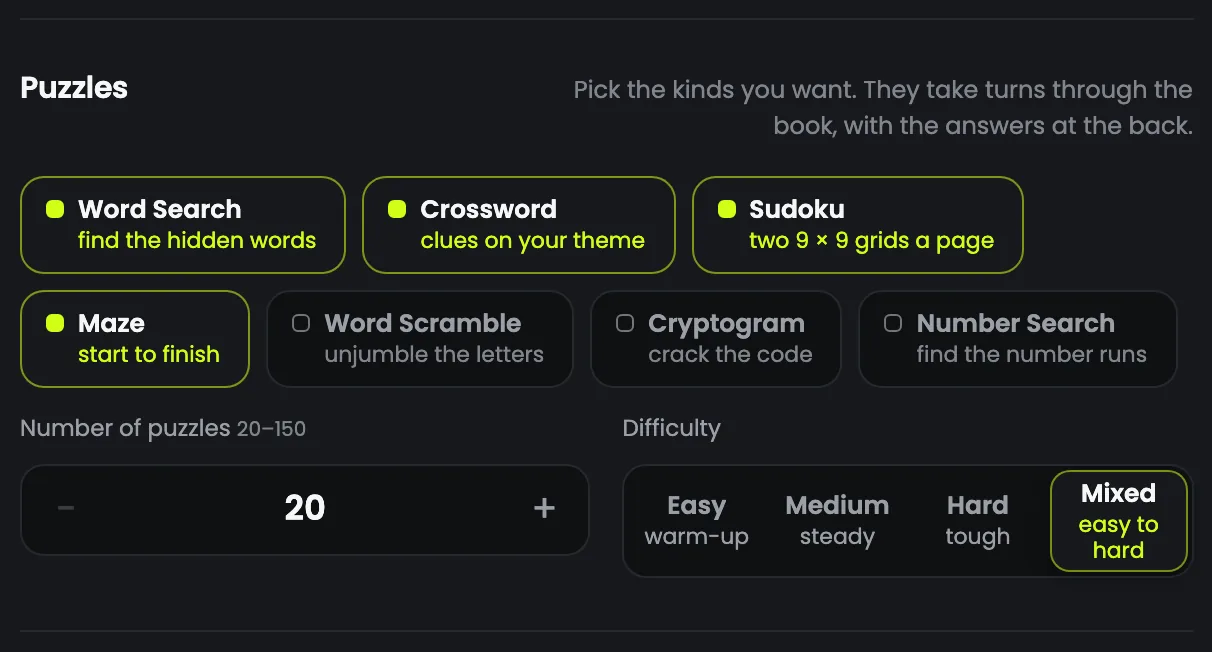
There are seven kinds, and none is picked for you: tap each one you want. The kinds take turns through the book, so word search, crossword and sudoku run word search, crossword, sudoku, word search, and so on. A book of one kind, all word searches or all sudoku, is one of the best-selling formats there is.
| What | The puzzle |
|---|---|
| Word search | Themed words hidden in a letter grid |
| Crossword | Clues written on your theme |
| Sudoku | Two 9 × 9 grids on each page |
| Maze | One path from start to finish |
| Word scramble | Unscramble each themed word |
| Cryptogram | Crack a letter code to reveal an original saying |
| Number search | Number runs hidden in a grid of digits |
The puzzles are built by code, not drawn by the AI: every sudoku has exactly one solution, every maze exactly one path, and every hidden word or number appears exactly once. The AI writes only the words: the title, the back cover, the word lists, the clues and the sayings.
Step 4: Set how many, and how hard
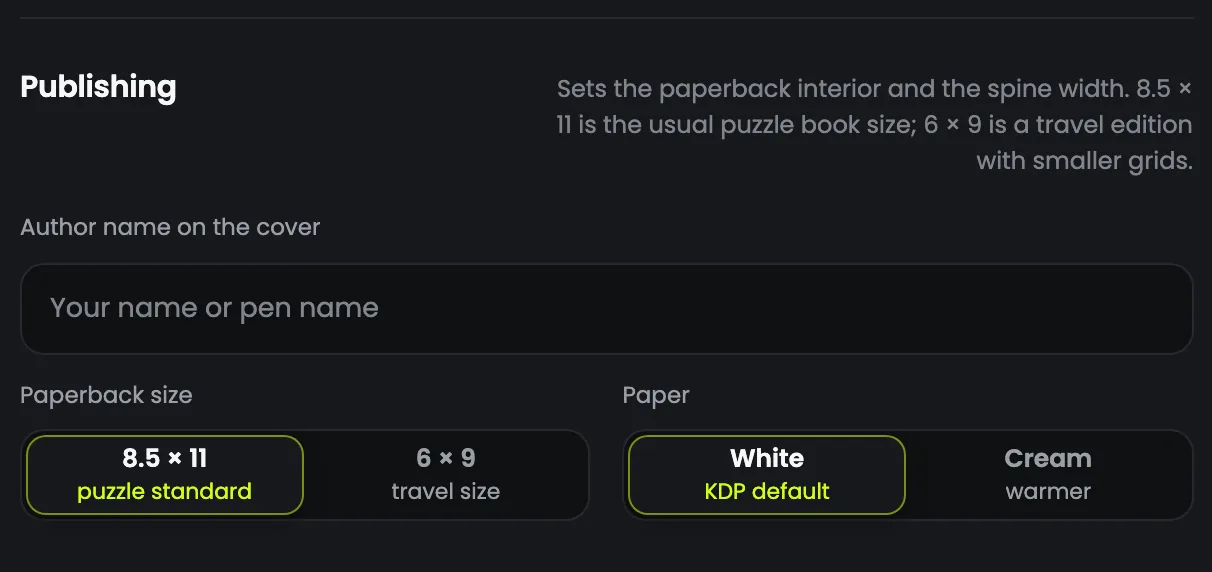
Choose 20 to 150 puzzles, one to a page, and a difficulty: Easy, Medium, Hard, or Mixed, which builds up from easy to hard through the book for each kind.
| 8.5 × 11 in | Easy | Medium | Hard |
|---|---|---|---|
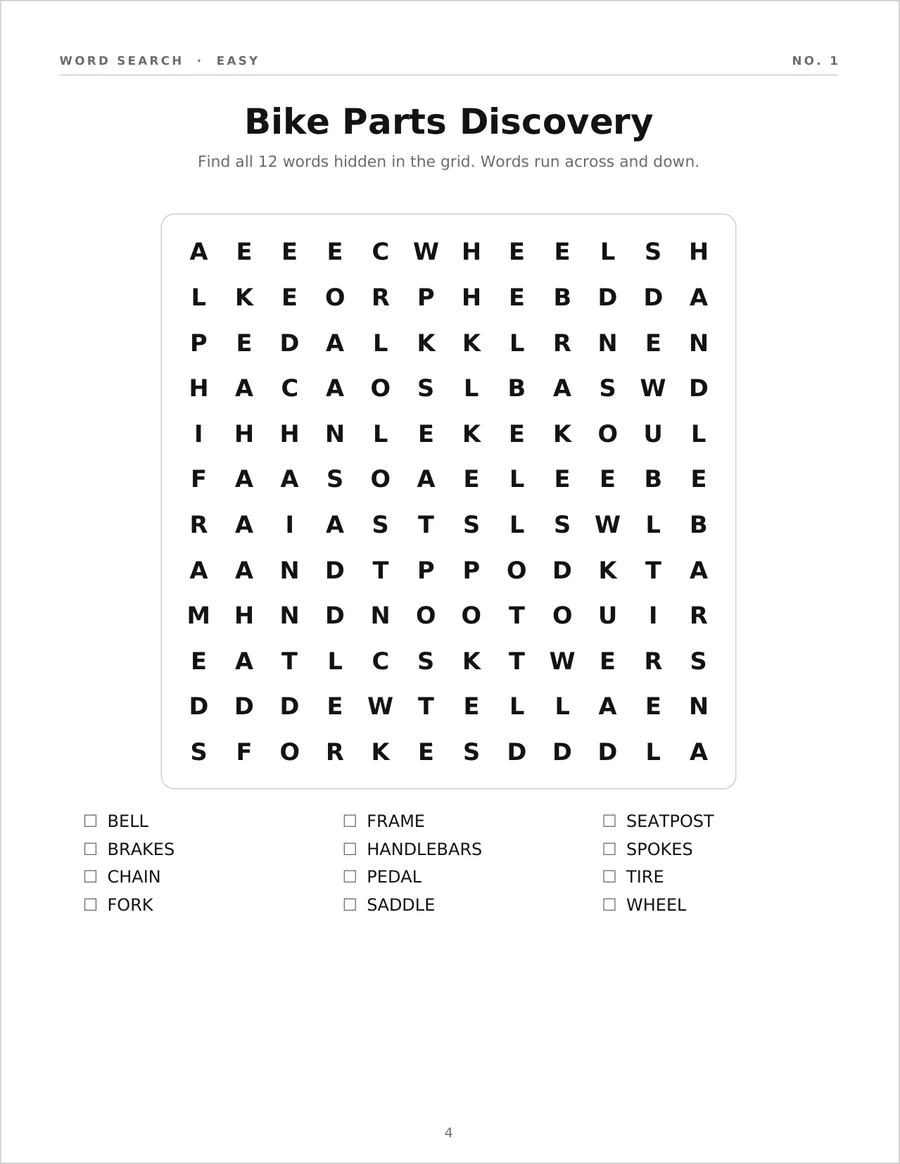
| Word search | 12 × 12, 12 words | 14 × 14, 16 words | 15 × 15, 20 words |
| Crossword | 10 words | 14 words | 18 words |
| Sudoku | 38 numbers given | 31 given | 26 given |
| Maze | 12 × 15 cells | 18 × 23 cells | 24 × 30 cells |
Easy word searches run only across and down, medium ones add diagonals, and hard ones run in every direction, backwards too. The 6 × 9 size uses slightly smaller grids so everything fits the page.
Step 5: Pick the cover, the page size and the paper
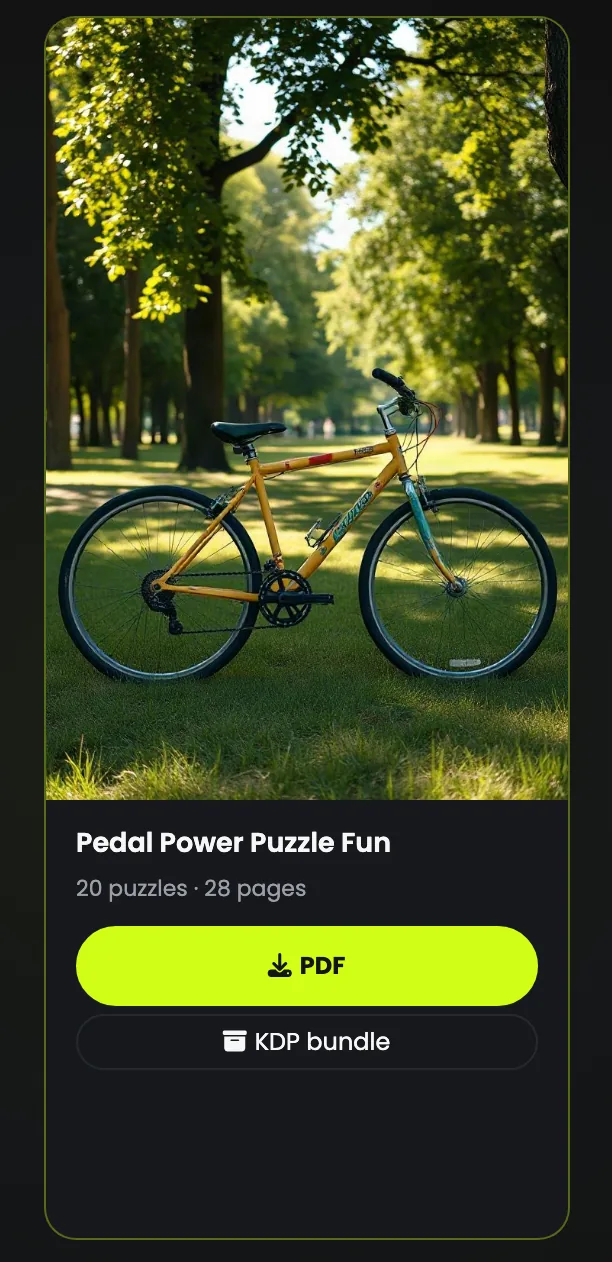
The cover is the only picture in the book: a scene drawn from your theme, with the title and author set over it. It costs 2 media credits on GPT Image mini or 1 media credit on FLUX. The inside is black and white, so it prints on KDP's cheaper black and white interior.
- 8.5 × 11 in is the puzzle standard: big grids that are easy to write in.
- 6 × 9 in is a travel size, with smaller grids.
- White paper, the KDP default, gives grids the most contrast; cream is warmer.
- Fill in the author name if you publish under a pen name. Left blank, the name on your QynTro account is used.
Step 6: Check the cost, then press Make my puzzle book
The Your puzzle book panel prices the book before you press anything: media credits for the cover, taken when you start, and word credits for the plan, the word lists, the clues and the sayings, taken as the puzzles are written.
- Crosswords cost the most word credits, because every one needs written clues.
- Sudoku, mazes and number searches need no words for the puzzles themselves, only for the plan and the titles.
- Difficulty does not change the price.
The cheapest way to try it: 20 puzzles of sudoku and mazes with a FLUX cover, a real 28-page paperback. Press Make my puzzle book, close the page if you like, and come back to find it under Your books.
Step 7: Look through the finished book
The book has a title page, a copyright page, a How to play page with a short rule for each kind, the puzzles one to a page, and every answer at the back, four to a page, shaded so they print in black and white.
Look through it before you sell it, and check that the word lists and clues read well for your reader. A puzzle book cannot be changed in Review & edit; to change one, make it again with new settings.
Step 8: Publish the paperback on Amazon KDP
Puzzles are for pen and paper, so a puzzle book is a paperback, with no Kindle edition. The KDP bundle holds the interior PDF, the wrap cover and KDP-CHECKLIST.txt, with every figure Amazon asks for and a description for your listing.
- In KDP, create a Paperback and copy the title, subtitle, author and description from the checklist.
- Leave Low-content book unticked: that is for blank journals and planners, and a puzzle book has real content.
- Print options: a black and white interior, your paper and trim size, no bleed.
- Upload the interior, then the wrap cover under "Upload a cover you already have". The spine width is already worked out from your page count.
- When KDP asks whether you used AI, answer yes: Amazon asks every publisher to disclose AI-generated content.
KDP prints spine text only on books of 79 pages or more; at 8.5 × 11 inches, 61 puzzles or more gets you there.
Tips for puzzle books that sell
- Put the hobby in the theme. It is what shoppers type into Amazon, and it gives every puzzle something to be about.
- Test cheaply. Twenty sudoku and maze puzzles use few word credits and show you the finished quality before a big book.
- Make a series. The same theme at easy, medium and hard, or for kids and for adults, is several books from one idea.