
Create images, video & music in ClaudeChatGPTClaude Codeyour AI app with QynTro

Connect once, then just ask. GPT Image, Nano Banana, Kling, Veo, MiniMax and more work right inside the chat, spend your QynTro credits and save everything to your library.

Connector URL https://qyntroai.com/mcp

Opens Claude with QynTro filled in: press Add, then Connect, and sign in. A free QynTro account works.

Coming soon

QynTro is on its way to ChatGPT as an app. Until it is listed, everything here works in Claude today.

claude mcp add --transport http qyntro https://qyntroai.com/mcp

Run it in your terminal, then type /mcp in Claude Code, choose qyntro and sign in to QynTro in the browser.

Server URL https://qyntroai.com/mcp

Add it as a remote MCP server (Streamable HTTP) in any app that supports one. Sign in with your QynTro account when the app asks: it uses OAuth, so there is no key to paste.

ClaudeChatGPTClaude CodeYour AI app QynTro connected

Using QynTro, make a video with MiniMax H3 Max: An enormous murmuration of starlings over a flooded field at dusk. Tens of thousands of birds move as one body, the shape folding in on itself, stretching into a ribbon, collapsing into a dense dark knot and opening out again. The flooded field below mirrors the shape faintly. Low orange sun on the horizon behind a line of bare trees, deep blue sky above. The camera holds a wide static frame and lets the shape transform. Cinematic, no text, no logos, no branding.


generate_video MiniMax H3 Max Done

Here is your video: 160 credits, saved to your QynTro library.

Murmuration
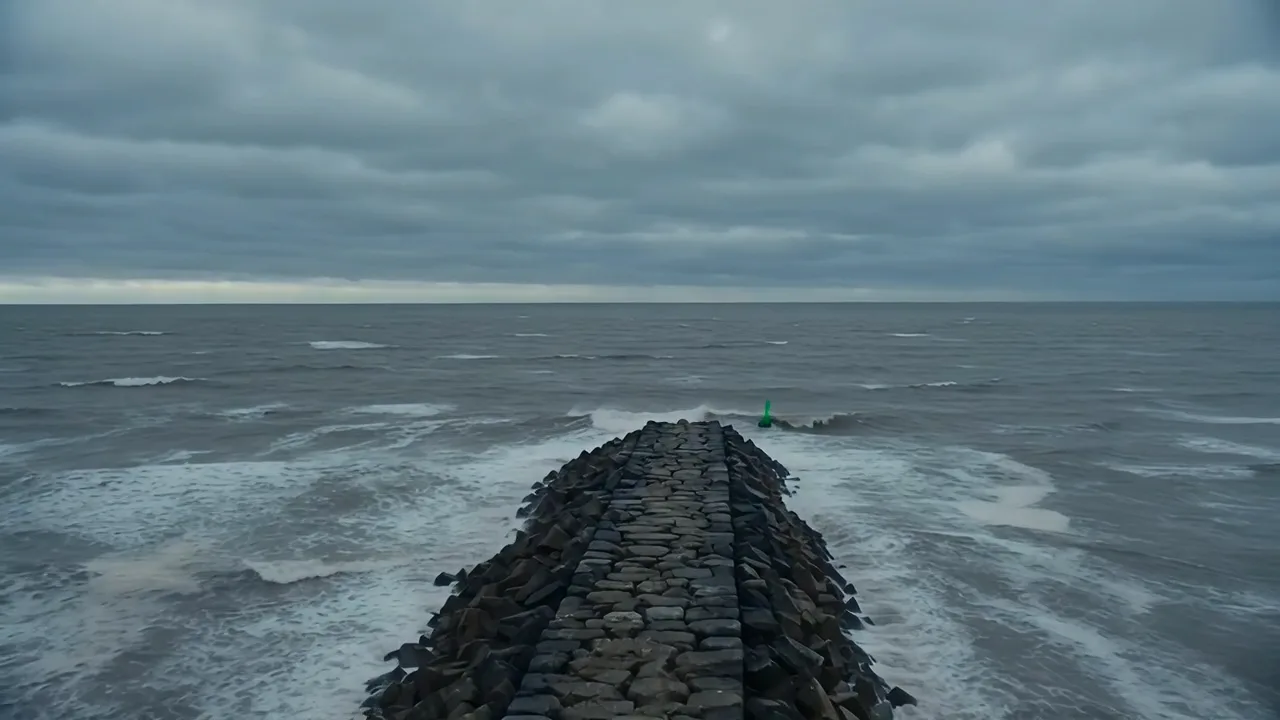
The clip is real: “Murmuration”, made with MiniMax H3 Max for 160 credits. The chat around it shows how a request goes.

Set up once

Connected in about a minute

  1. Add QynTro to Claude

    Press Connect QynTro to Claude. Claude opens its connector settings with the name and URL filled in: press Add. (Or add it by hand: Settings, Connectors, Add custom connector, and paste the URL.)

    Connect QynTro to Claude
  2. Sign in and allow

    Press Connect on the QynTro card. A QynTro page opens: sign in (a free account works) and press Allow. Already signed in at qyntroai.com? Then it is one click.

  3. Ask in plain words

    Start with “Using QynTro,” and say what you want. Claude picks the tool, uses the model you name, and tells you what it cost.

  4. Collect your work

    Images, music and decks come back in the chat. Videos render in the background: ask “is my QynTro video ready?”. Everything is saved to your QynTro library too.

  1. Add the server

    Run this once in your terminal:

    claude mcp add --transport http qyntro https://qyntroai.com/mcp
  2. Sign in

    In Claude Code, type /mcp, choose qyntro and pick Authenticate. Sign in to QynTro in the browser window that opens and press Allow.

  3. Ask

    Say “Using QynTro, …” in any session. Results come back as links you can open or download, and land in your QynTro library.

  1. Add a remote MCP server

    In your app’s MCP or connector settings, add a server with this URL. It speaks Streamable HTTP.

    https://qyntroai.com/mcp
  2. Sign in with QynTro

    The app opens a QynTro sign-in page. Sign in and press Allow. There is no API key to copy.

  3. Ask

    Mention QynTro in your request so the app knows to use it.

Coming soon

QynTro for ChatGPT is on its way

The one-click link goes right here the day the QynTro app is listed in ChatGPT. Until then, Claude and Claude Code already have every tool.

What you can ask for

Your whole studio, in the chat

  • Images

    GPT Image 2.5, Nano Banana, FLUX and more. Name a model and a shape, up to four at a time.

    generate_image
  • Image editing

    Change a picture by describing it: a new sky, a new outfit, your logo on the product.

    edit_image
  • Video

    Kling, Seedance, Veo, MiniMax H3 and Wan. Charged per second, short and cheap unless you ask.

    generate_video
  • Photo to video

    Animate any picture, add a camera move, or go from a first frame to a last.

    image_to_video
  • Video editing

    Make it snow, turn day to night, change the setting of a clip you already have.

    edit_video
  • Music

    Original tracks up to two minutes, sung or instrumental.

    generate_music
  • Music videos

    A video cut to your song in one of fifteen looks, with your character in it.

    generate_music_video
  • Voiceovers

    Natural voices in many languages, and a designed voice for your brand character.

    generate_voiceover
  • Avatars and lip-sync

    A studio presenter reads your script, or the face in a photo speaks or sings.

    generate_avatar_video
  • UGC ads

    One photo in, a ten-second spokesperson ad out, with speech and lip movement.

    generate_ugc_video
  • 3D models

    A textured GLB model from one photo, four views or a description.

    generate_3d
  • Presentations

    A real .pptx from a topic, in one of fifteen themes, still editable in QynTro.

    generate_presentation

Plus the helpers: check_credits, get_job, list_models, list_voices, list_avatars. Ask “list the QynTro models” to see every model and its price.

Your credits, your library

Everything spends your QynTro credits and is saved to your library, like work made on qyntroai.com.

Cheap unless you ask

Name no model or length and a video is a five-second clip on the low-cost model, with audio and 4K off.

Refunds on failure

A render that fails gives its credits back. You pay for results that arrive.

You stay in control

You sign in on qyntroai.com and approve access, so the app never sees your password. Disconnect any time.

Questions

Good to know

Is it free?

Connecting is free, and a free QynTro account works. Each creation spends credits from your balance, the same credits you use on qyntroai.com. A few tools, like music videos and lip-sync, need a paid plan.

What is MCP?

The Model Context Protocol is an open standard that lets AI apps use outside tools. QynTro’s MCP server gives your AI app QynTro’s image, video, music and voice tools.

Which Claude plans can add it?

Claude adds custom connectors on the web, desktop and mobile apps; which plans include them is set by Anthropic. Claude Code can add QynTro too, with one command.

How do I pick a model?

Just name it: “with Kling 3 Pro”, “using Nano Banana Pro”. Name none and QynTro uses a good low-cost one. Ask “list the QynTro models” to see every model and its price.

Where do my files go?

Each result comes back as a link in the chat and is saved to your QynTro library, the same as work you make on the site.

When is ChatGPT coming?

QynTro’s ChatGPT app is on its way. This page will carry the link the day it is live; until then, use Claude or Claude Code.

How do I disconnect?

Remove QynTro in your app’s connector settings (in Claude: Settings, then Connectors). Your QynTro account and library stay as they are.

Your studio is one sentence away

No QynTro account yet? Sign up free — no credit card needed.